How to configure the row height in an Airtable view
Here is how to configure the row height in an airtable view
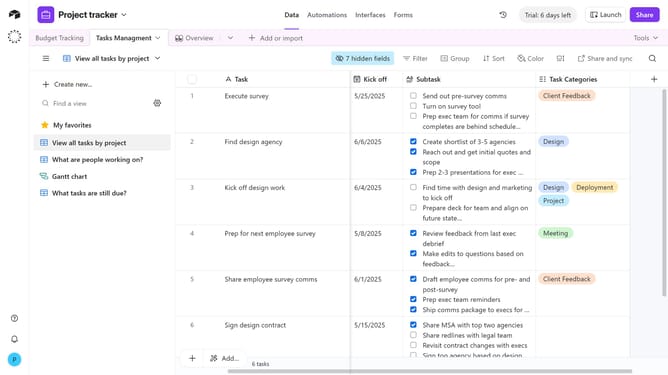
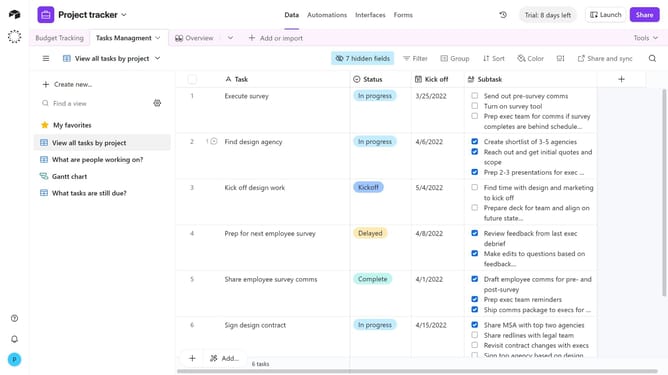
- First, navigate to a base and open the table where the view is located
- Next, open the view sidebar and select the view where you want to configure the row height
- Then click on the row height switcher in the view bar
- A dropdown menu will appear with options such as Short, Medium, Tall, and Extra Tall
- Finally select your preferred row height
Why should you configure the row height in an Airtable view
Airtable effortlessly combines the simplicity of a spreadsheet with the powerful capabilities of a database, perfect for organizing anything.
One standout feature in Airtable is the ability to configure row heights within a view. Adjusting row heights allows users to personalize their layout to better accommodate content visibility needs, from succinct details to more comprehensive information.
Flexible row heights enhance overall clarity and accessibility, boosting productivity by ensuring that crucial information is easily visible and accessible at a glance.
Last update