How to allow users to print a form in Airtable
Here is how to allow users to print a form in airtable
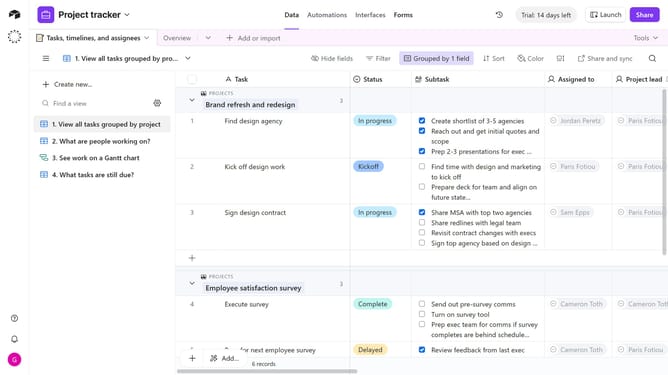
- First navigate to the base that contains your form and open the "Forms" tab
- Select the form you want to edit in the forms list
- Next, click on the edge of the form’s canvas to open the Properties panel on the right
- Locate the "Allow printing" option under the User actions
- Then toggle the switch on to let end users print the form
- Finally, click the "Publish" button in the top-right corner to make the changes live
Why should you allow users to print a form in Airtable
Airtable is a versatile platform that transforms how teams organize and manage data.
Allowing users to print a form in Airtable brings a tangible dimension to data management by facilitating physical documentation. With this feature, users can seamlessly transition from digital to paper whenever they need hard copies for meetings or record-keeping.
The ability to print forms enhances collaboration and helps in maintaining organized workflows. This ensures that vital information is easily accessible, bridging the gap between digital and physical data handling.
Last update