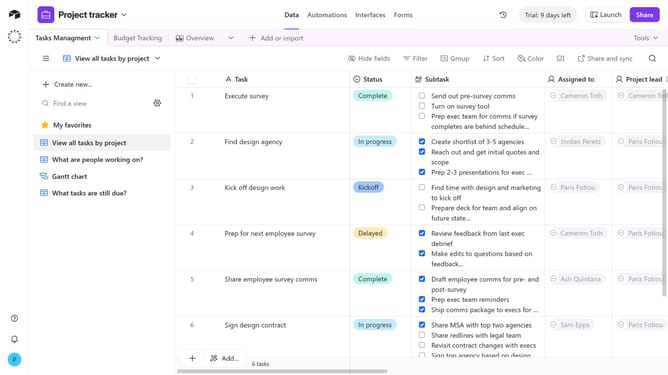
How to add a description to a form group in Airtable
Here is how to add a description to a form group in airtable
- First navigate to the base that contains your form and click on the "Forms" tab
- In the forms list, select the form that contains the group you want to edit
- On the form canvas, click the form group where you want to add a description
- In the Properties panel on the right, locate the "Show description" option under the Appearance section
- Next click the toggle to turn it on
- Type your description text with any helpful guidance for form submitters
- Finally click anywhere outside the text box to save the description automatically
- Click the "Publish" button in the top-right corner to make the changes live, if desired
Why should you add a description to a form group in Airtable
Airtable is a versatile platform that empowers teams to organize and collaborate on projects seamlessly.
Adding a description to a form group in Airtable enhances clarity and understanding within your team, offering a concise overview of each group’s purpose.
This feature allows users to streamline communication, ensuring everyone is on the same page and can proceed efficiently.
By providing context and clarity, it ultimately boosts productivity and makes your data more accessible and easier to navigate.
Last update