How to clear all data from a table in Airtable
Here is how to clear all data from a table in airtable
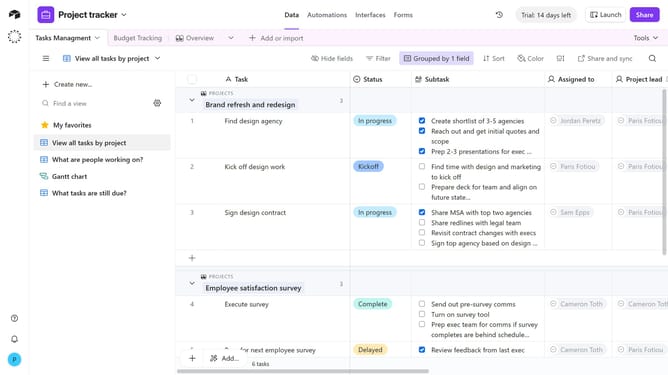
- First, open the base and click on the table you want to clear
- Next right-click the table tab or click the dropdown arrow next to it
- Then click on "Clear data" option from the dropdown menu
- Finally click on the "Clear data" button in the confirmation dialog
- All records are now deleted, but the table structure (fields, views, and settings) remains intact
Why should you clear all data from a table in Airtable
Airtable is a versatile platform that combines the simplicity of a spreadsheet with the power of a database to help you organize tasks, projects, and processes effortlessly.
Clearing all data from a table in Airtable is an efficient feature that ensures your workspace stays fresh and relevant.
This feature is beneficial for refining your data processes, allowing you to start anew without the clutter of outdated information, and enhances your productivity by providing a clean slate for improved focus and organization.
Maintain clarity, stay organized, and experience smooth transitions with this useful Airtable functionality.
Last update