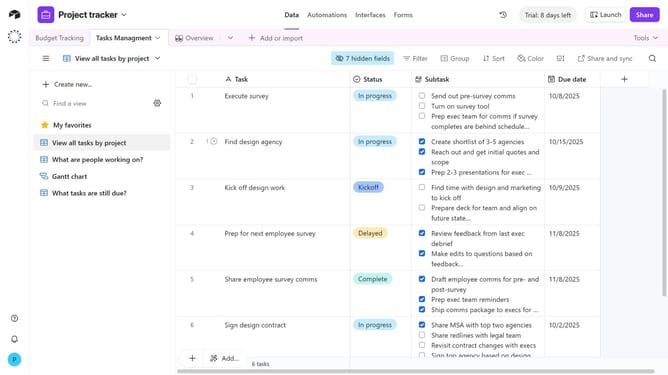
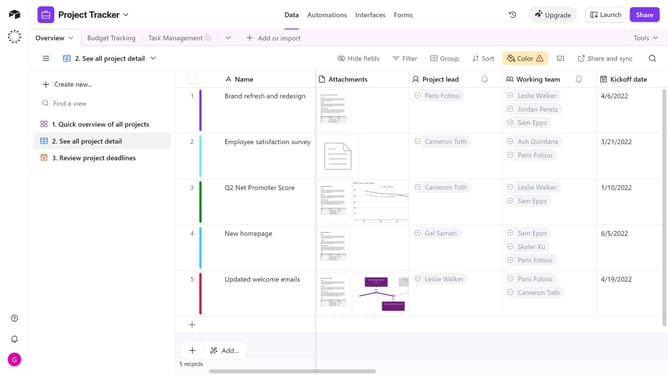
How to hide all fields in a grid view in Airtable
Here is how to hide all fields in a grid view in airtable
- First navigate to a base and open the table where the Grid view is located
- Next open the view sidebar and select the Grid view you want to update
- Then click on "hide fields" button in the top toolbar
- Finally , click on the “Hide all” button at the bottom of the popup that appears
- All fields will now be toggled off and will no longer appear as columns in the Grid view
Why should you hide all fields in a grid view in Airtable
Airtable seamlessly blends a spreadsheet's simplicity with a powerful database's functionality.
Hiding all fields in a grid view is a feature in Airtable that enhances focus by minimizing visual distractions. It allows users to concentrate on specific data points without clutter.
This feature is particularly beneficial when users need to create a streamlined view for presentations or reports. By selectively hiding fields, teams can communicate insights more effectively and tailor data visibility to fit their specific needs.
Last update