How to update your profile photo in Airtable
Here is how to update your profile photo in airtable
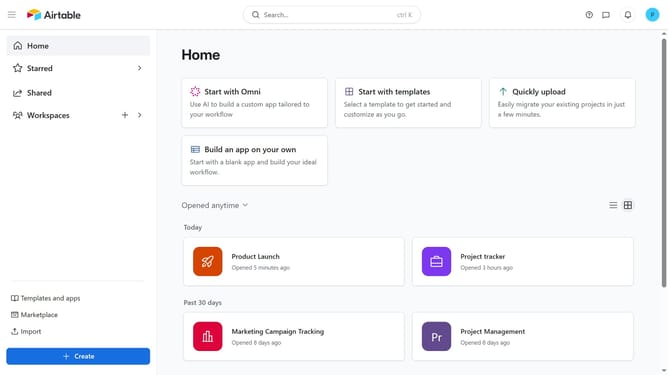
- First navigate to your home screen and click on the profile icon in the top-right corner of the header
- Next click on the "Account" option in the dropdown menu
- Click on the "Overview" tab in the account settings sidebar
- Then click on your profile picture to start editing it
- In the file upload dialog, click on "browse files" button to select an image file from your device or you can drag and drop files
- Once uploaded, adjust the cropping or positioning in the image editor
- Then click the "Save" button to apply your changes
- Finally click "Upload file" button to confirm the new profile picture
Why should you update your profile photo in Airtable
Airtable is a versatile platform that effortlessly combines the simplicity of a spreadsheet with the power of a database.
Updating your profile photo in Airtable is a seamless process that enhances personal identification and engagement within your collaborative workspace.
Having an updated profile photo brings a personal touch to interactions, making communications more relatable and fostering a sense of community among team members.
This feature not only solidifies your professional presence but also enriches the user experience for everyone involved in your projects.
Last update