How to add a count field in Airtable
Here is how to add a count field in airtable
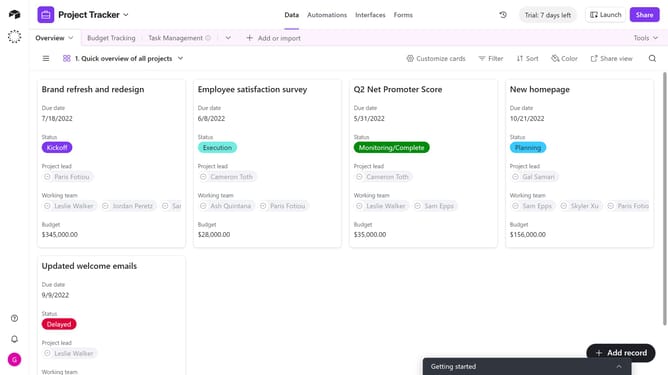
- First, navigate to your preferred base and open the table where you want to add a count field
- Next, click the “+” button in the top-right corner of the table columns
- Then, select “Count” from the field type dropdown menu
- Enter a name for your field in the field name input box
- Click on the "Select count source" and select a table from the dropdown menu
- Optionally check "Only include linked records from the Overview table that meet certain conditions" to filter which records are counted
- Finally click on the "Create field" button to create the new field
Why should you add a count field in Airtable
Airtable combines the simplicity of a spreadsheet with the power of a database to organize anything.
Adding a count field in Airtable allows you to tally or quantify entries in a specific field, enhancing data analysis.
This feature offers clarity by quickly showing how many items, tasks, or participants are associated with each entry.
Using a count field streamlines workflows, prevents errors, and fosters informed decision-making with ease.
Last update