How to reorder views in Airtable
Here is how to reorder views in airtable
- First, navigate to a base and open the table where the views are located
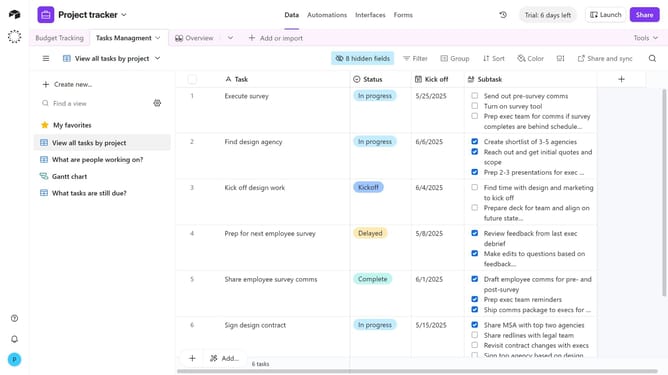
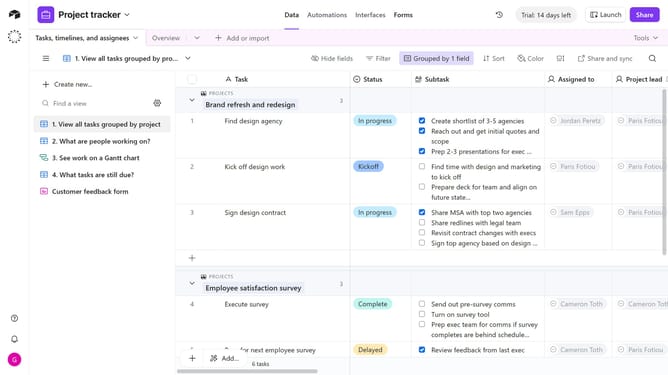
- Next, click the view icon on the left side of the table to open the view sidebar
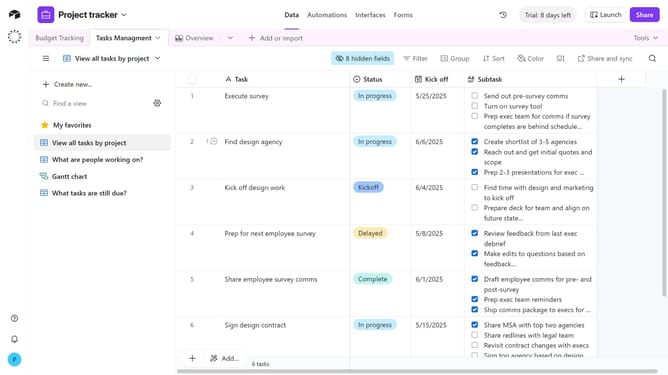
- Locate the view you want to move in the list of views
- Hover over the view name you want to move and a six-dot handle will appear
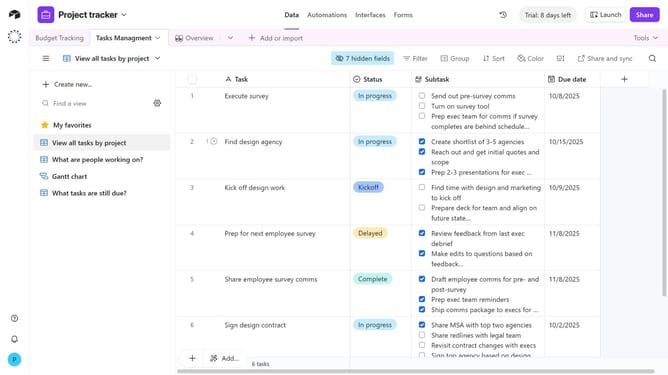
- Then click and hold the handle, then drag the view up or down in the list
- Finally, release it at the desired position
- Repeat this process for any other views you want to reorder
Why should you reorder views in Airtable
Airtable is a versatile platform that combines the simplicity of a spreadsheet with the power of a database to streamline your work.
The ability to reorder views in Airtable allows users to customize their workflow, enhancing efficiency and focus. Organizing views to align with your priorities means you can access the most pertinent data quickly and smoothly.
This feature empowers teams by promoting intuitive navigation, enabling a tailored approach to data management, ultimately boosting productivity and collaboration. Reordering views is a simple yet effective way to maintain clarity and streamline your processes.
Last update