How to create a user field in Airtable
Here is how to create a user field in airtable
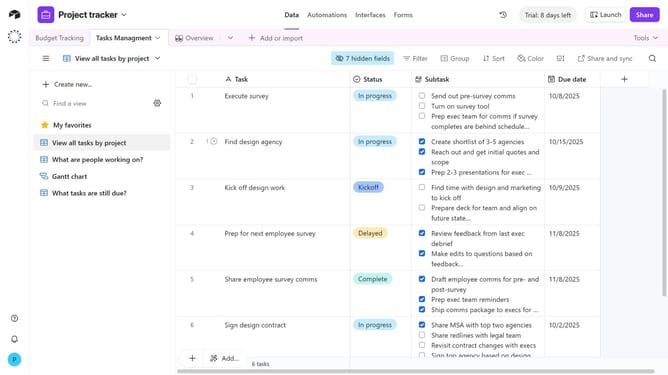
- First, navigate to your preferred base and open the table where you want to create a user field
- Next click the “+” button at the far right of your table column
- Then, select “User” from the field type dropdown menu
- Enter a name for your field in the field name input
- You can toggle “Allow multiple users” and “Notify users with base access when they're added” based on your preferences
- Next add a default option if needed
- Finally click the "Create field" button to create the new user field
- Your new User field has now been added, and you can start assigning collaborators to records
Why should you create a user field in Airtable
Airtable is a versatile platform that blends the simplicity of a spreadsheet with the power of a database.
Creating a user field in Airtable is a feature that enhances your team's collaboration by allowing you to assign tasks, track progress, and share information seamlessly.
This feature adds clarity and accountability within projects, ensuring everyone knows their responsibilities.
Utilizing user fields fosters efficient communication and elevates project management efficiency across your organization.
Last update