How to add a rating field in Airtable
Here is how to add a rating field in airtable
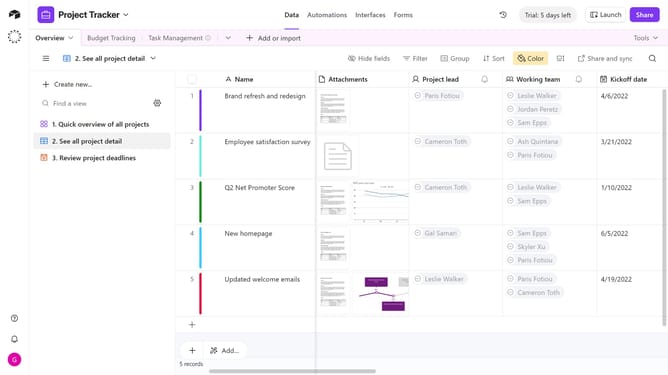
- First, navigate to your preferred base and open the table where you want to add a rating field
- Next, click the “+” button in the top-right corner of the table columns
- Then, select “Rating” from the field type dropdown menu
- Enter a name for your field in the field name input box
- Next click the Style dropdown to select the rating icon style
- Select a style from the rating style options
- Click the Maximum dropdown and choose the maximum number of stars for the rating
- Finally click the "Create field" button to create the rating field
- Your new Rating field is now ready, and you can start rating each record immediately
Why should you add a rating field in Airtable
Airtable is a versatile platform that combines the functionality of a database with the simplicity of a spreadsheet, allowing for seamless organization and collaboration.
Adding a rating field in Airtable brings an intuitive, visual way to assess and compare items within your database. This feature is particularly beneficial for projects where feedback and evaluation are key, such as product reviews or employee assessments.
Utilizing a rating field enhances decision-making processes and provides clear data insights, fostering more informed and effective planning and execution.
Last update