How to expand all groups in a view in Airtable
Here is how to expand all groups in a view in airtable
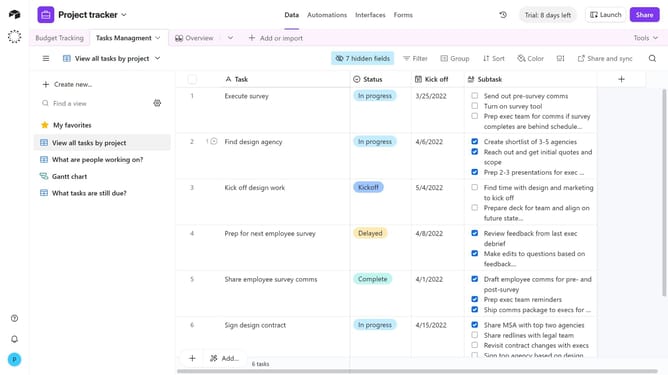
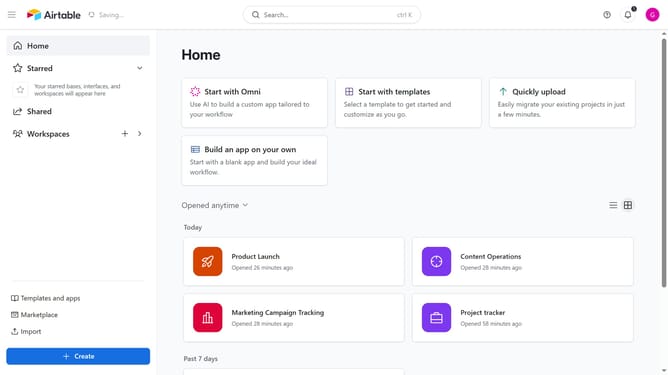
- First, navigate to a base and open the table where the view is located
- Next, open the view sidebar and select the view that contains grouped records
- Click on the “Group” button in the view toolbar
- Then the grouping options panel will appear
- Finally click on the "Expand all" button
Why should you expand all groups in a view in Airtable
Airtable is a versatile, user-friendly platform that combines the power of a database with the simplicity of a spreadsheet, designed to help teams organize their work.
Expanding all groups in a view within Airtable is a feature that enhances visibility and efficiency. By allowing users to view all grouped content simultaneously, it minimizes the need for constant clicking and toggling between sections.
This capability provides a seamless way to analyze large sets of data, revealing trends and insights at a glance, ultimately improving productivity and decision-making processes for teams.
Last update