How to reorder fields in a form in Airtable
Here is how to reorder fields in a form in airtable
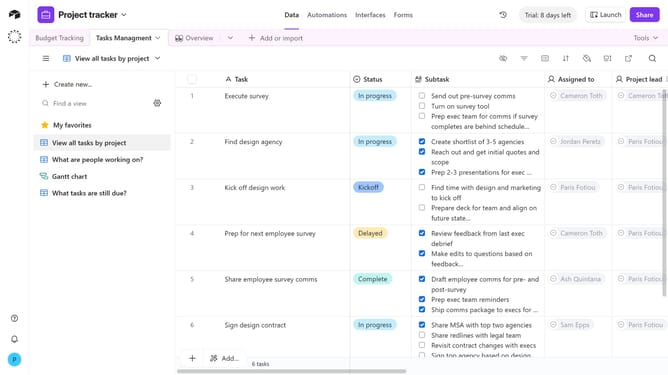
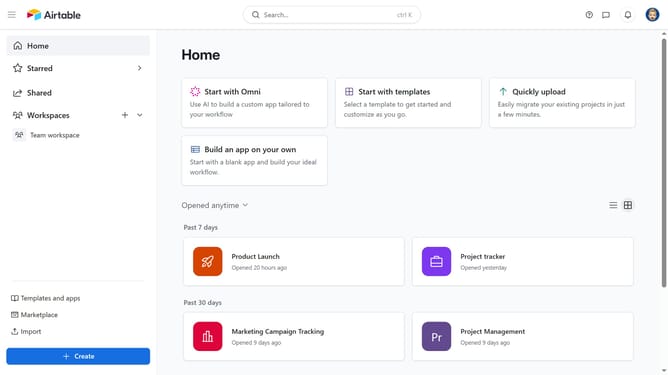
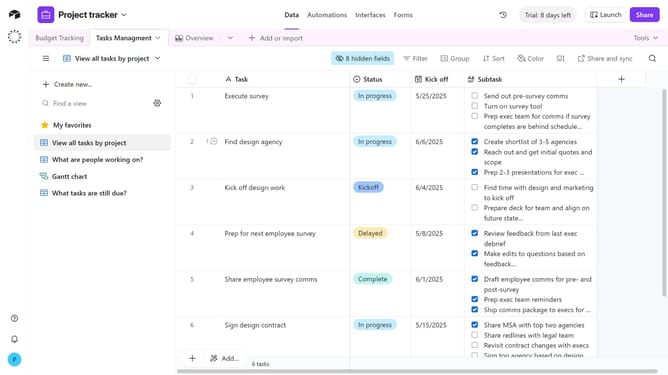
- First navigate to the base that contains your form and click on the "Forms" tab
- In the forms list, select the form where you want to reorder fields
- Next click and hold the field that you would like to move around on the canvas
- Then release your mouse to drop the field in its new location
- Repeat the same process for any other fields you want to reorder
- Finally click on "Publish" button in the top right corner to update the live form
Why should you reorder fields in a form in Airtable
Airtable is a versatile, user-friendly platform designed to streamline collaborative data management.
Reordering fields in an Airtable form allows users to customize the layout according to their unique workflow needs. This feature ensures that critical fields are prioritized, enhancing both data entry efficiency and user experience.
By organizing fields to align with their importance, forms become intuitive, reducing input errors and improving overall productivity. This flexibility supports various industries and projects, tailored to suit specific requirements.
Last update