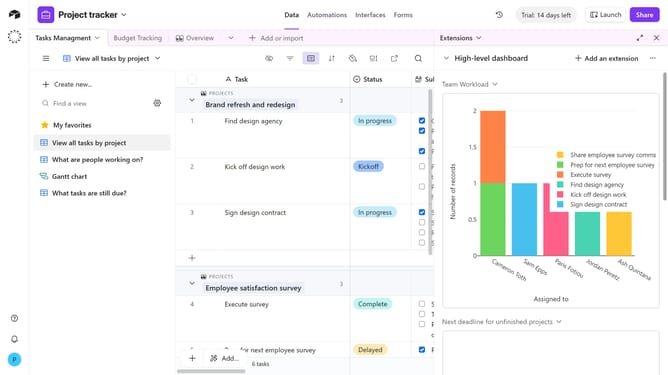
How to disable an extension on a base in Airtable
Here is how to disable an extension on a base in airtable
- First, open the base where the extension is located
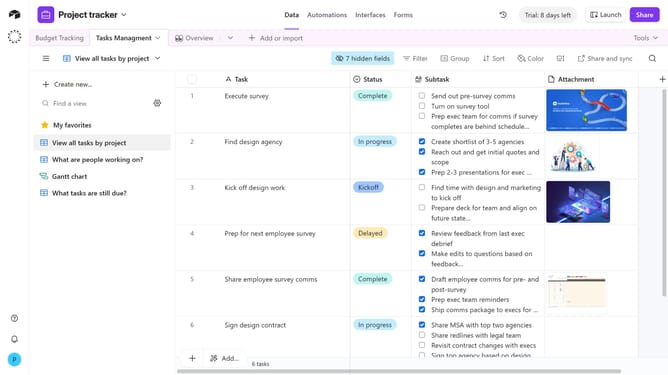
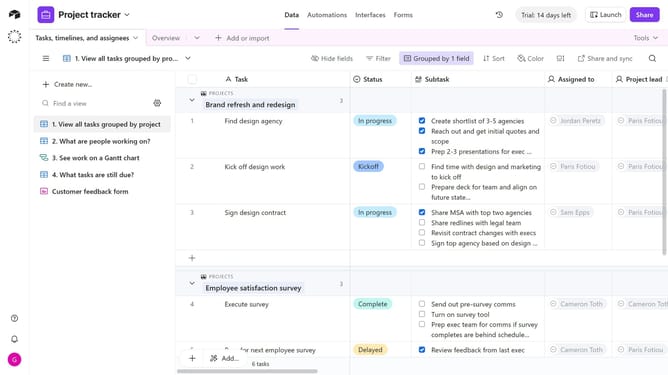
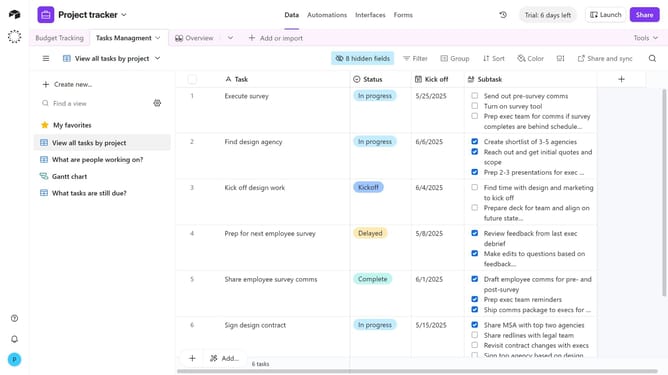
- Next click on the "Tools" button in the top-right toolbar of the base
- Click on the "Extensions" option from the tools menu
- In the extensions panel, locate the extension you want to disable
- Click on the dropdown arrow next to the extension name
- Then select "Disable extension" from the dropdown menu
- Finally click the "Disable" button in the confirmation dialog
Why should you disable an extension on a base in Airtable
Airtable is a dynamic platform that seamlessly combines the simplicity of a spreadsheet with the power of a database.
Disabling an extension on a base in Airtable empowers users to streamline their workflow by removing unnecessary tools that might clog the interface or consume resources.
This feature enhances productivity by letting users focus only on essential functionalities, ensuring a clutter-free workspace that adapts to changing project needs.
Furthermore, by managing extensions efficiently, users can maintain optimal performance, ensuring their Airtable experience remains swift and responsive.
Last update