How to find an interface URL ID in Airtable
Here is how to find an interface url id in airtable
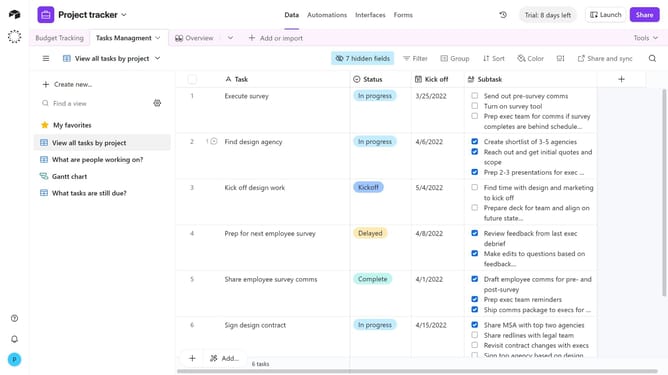
- First click on a base from the Airtable home screen
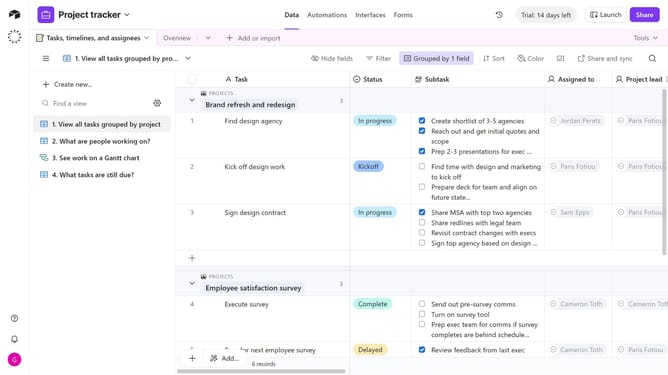
- Next click the Interfaces tab to access interface design tools
- Then once the interface is open, look at the URL in your browser’s address bar. The interface ID is the section that begins with “pag”
Why should you find an interface URL ID in Airtable
Airtable is a versatile platform designed to streamline workflows with its powerful database capabilities.
Finding an interface URL ID in Airtable is a useful feature that enhances your ability to navigate and integrate with external applications seamlessly.
This feature simplifies collaboration by enabling team members to quickly access specific interfaces, improving overall productivity.
By utilizing this feature, you can ensure a smoother connection to external tools, making your data-driven projects more efficient and effective.
Last update