How to add multiple sort conditions to a view in Airtable
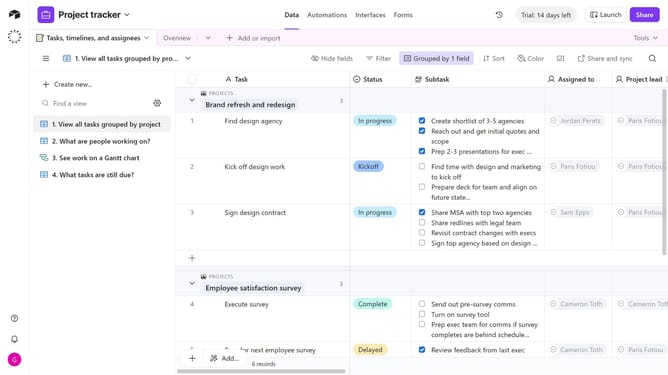
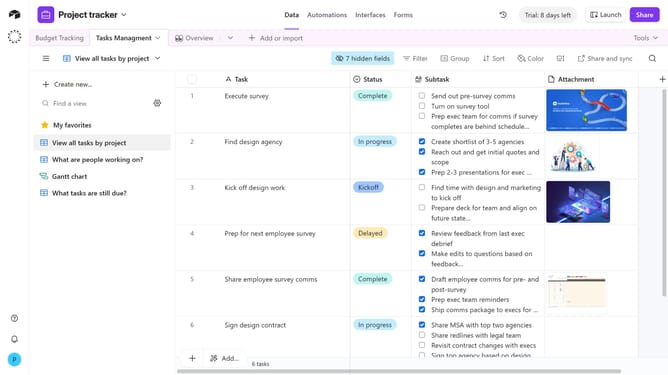
Here is how to add multiple sort conditions to a view in airtable
- First, navigate to a base and open the table that contains the records you want to organize
- In the view sidebar, select the view where you want to add sorting
- Next click on the "Sort" button in the top toolbar
- Then choose the field you want to sort by from the dropdown menu
- Click on the sorting direction selector
- Then choose the order of the sort
- Next click on "+ Add another sort" button to add an additional sorting field
- Then select a field from the field selection dropdown
- Repeat this step to add more sort conditions as needed
Why should you add multiple sort conditions to a view in Airtable
Airtable is a versatile platform that combines the simplicity of a spreadsheet with the power of a database to streamline collaboration.
Adding multiple sort conditions in Airtable allows users to organize data in a layered and prioritized manner, enhancing clarity and flow. This feature is invaluable for teams seeking to analyze datasets through various lenses, ensuring that the most relevant information is readily accessible.
By leveraging this ability, users can tailor their data views to match their workflow needs, fostering efficiency and promoting informed decision-making.
Last update