How to italicize field names in a calendar view in Airtable
Here is how to italicize field names in a calendar view in airtable
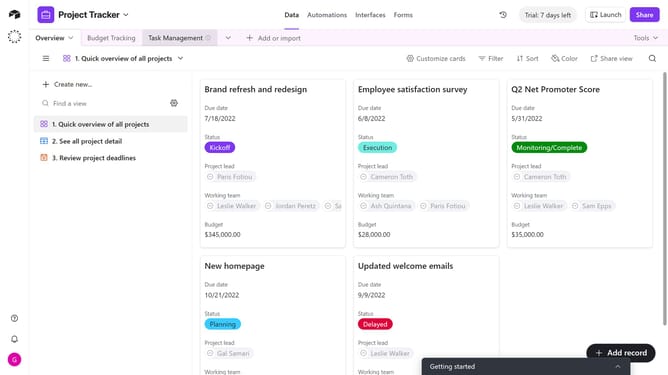
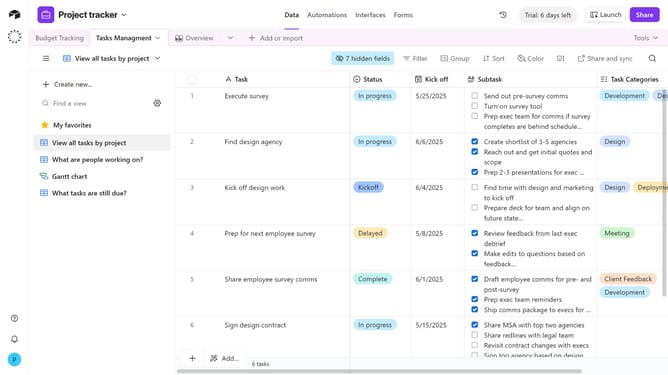
- First, navigate to the base and open the table containing the calendar view
- In the view sidebar, select the calendar view you want to customize
- Next click on the "Customize labels" button in the toolbar
- Then locate the fields you want to italicize in the fields list
- Finally click the “Italic” icon next to the field name
Why should you italicize field names in a calendar view in Airtable
Airtable is a versatile platform designed to empower teams with the organization and flexibility of a spreadsheet coupled with the functionality of a database.
Incorporating italics into field names, especially in a calendar view, is a subtle yet effective way to enhance visual distinction and focus. This feature allows users to draw attention to specific field names, ensuring that key information stands out in their workflow.
Using italics improves the readability and aesthetic appeal of your data layout, allowing for quicker and more efficient reference. It can help prioritize tasks by highlighting essential fields, streamlining the workflow in innovative ways.
Last update