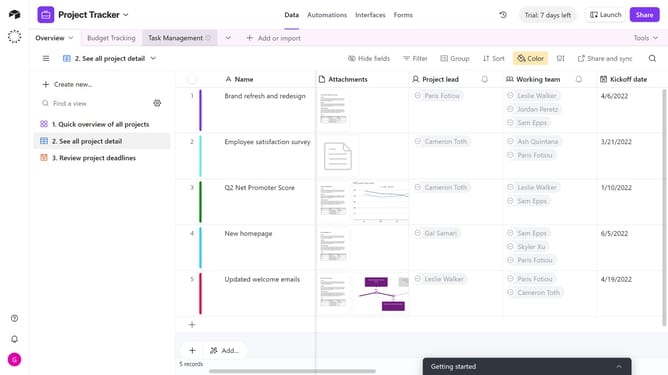
How to edit a form field in Airtable
Here is how to edit a form field in airtable
- First navigate to the base that contains your form and open the "Forms" tab
- In the forms list, select the form you want to edit
- In the form editor, click the field you want to edit
- In the settings panel on the right, update the field properties such as label, help text, required toggle, or appearance
- To make deeper changes, click the "Edit field" button in the right sidebar
- In the field properties dialog, change the field title, field type, or add a description as needed
- Then once finished, click the "Save" button
- Finally, click the "Publish" button in the top-right corner to make the changes live
Why should you edit a form field in Airtable
Airtable is a versatile platform that combines the simplicity of a spreadsheet with the power of a database, enabling seamless project and data management.
Editing a form field in Airtable enhances your ability to customize data input, ensuring that collected information remains relevant and accurate.
This feature empowers users to tailor forms to specific data collection needs, improving data quality and accessibility.
By offering easy adjustments, Airtable helps streamline workflows, making data management more efficient and effective.
Last update