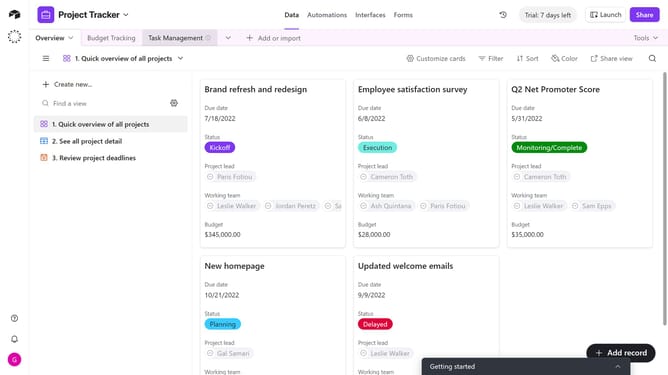
How to stop viewers from copying data in your shared view in Airtable
Here is how to stop viewers from copying data in your shared view in airtable
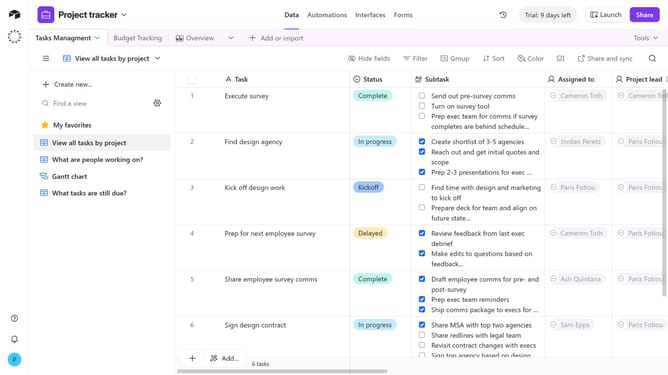
- First, navigate to the base and open the table containing the view
- Open the view sidebar and select the view you want to configure
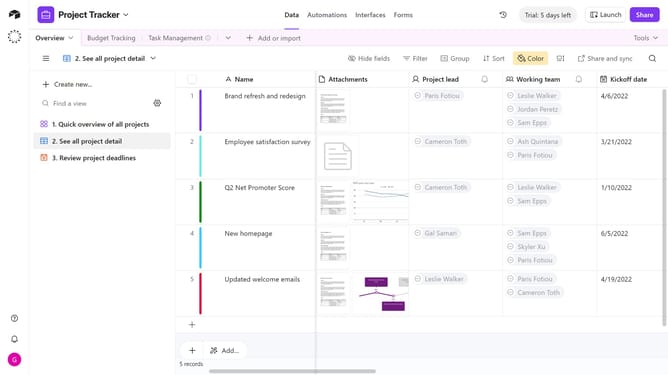
- Next click on the "Share and sync" button in the top toolbar
- Then click on "Link settings" option in the share menu
- Finally toggle off the option “Allow viewers to copy data out of this view”
- Now, viewers accessing this shared view will not be able to copy records or export data
Why should you stop viewers from copying data in your shared view in Airtable
Airtable is a versatile platform that combines the simplicity of a spreadsheet with the power of a database, designed to organize anything.
A notable feature in Airtable allows you to control what viewers can do with the data in your shared view. In particular, stopping viewers from copying data ensures your sensitive information remains protected and maintains data integrity.
By using this feature, you safeguard your work, preventing unauthorized duplication while promoting a secure environment for collaboration. This enhances trust and reliability within your team and among stakeholders.
Last update