How to create a base using a template in Airtable
Here is how to create a base using a template in airtable
- First, navigate to your home screen and click on "Templates and apps" in the left sidebar
- Next browse or search the template gallery to find a template that fits your needs
- Alternatively, use the categories in the left sidebar to filter templates
- Then click on the template you want to use
- Click the "Try this template" button at the bottom of the template details
- In the template dialog, click to expand the workspace dropdown
- Next choose a workspace for your base from the workspace options
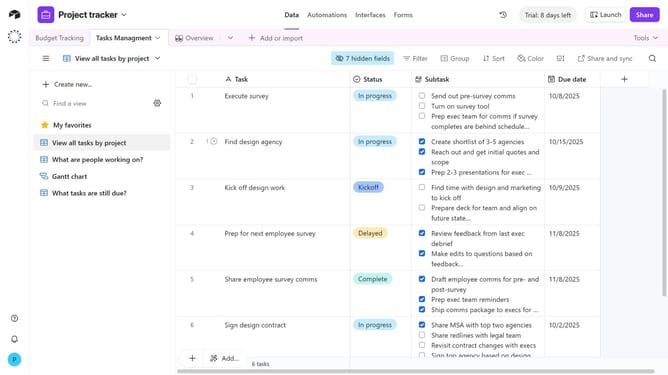
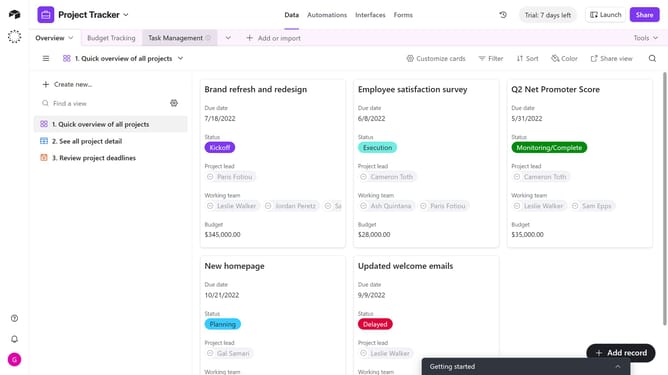
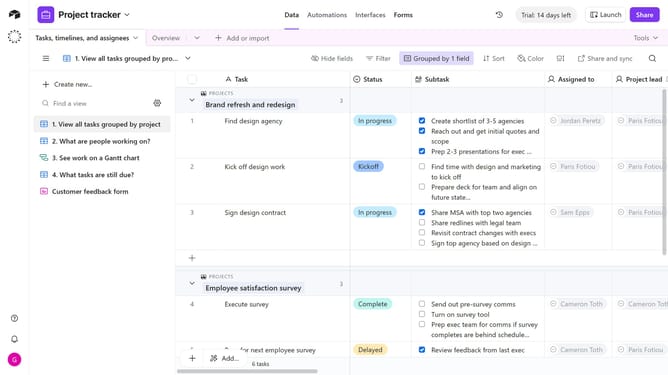
- Finally click the "Create" button to start using the template
Why should you create a base using a template in Airtable
Airtable is a versatile platform designed to streamline workflows and organize information effortlessly.
Creating a base using a template in Airtable is a feature that accelerates project setup by providing a structured starting point.
This approach saves valuable time, enabling you to focus on customizing the base to your specific needs instead of building from scratch.
Templates also ensure consistency and can inspire new ideas, making them an essential tool for efficient project management and organization.
Last update