How to reorder groups in a view in Airtable
Here is how to reorder groups in a view in airtable
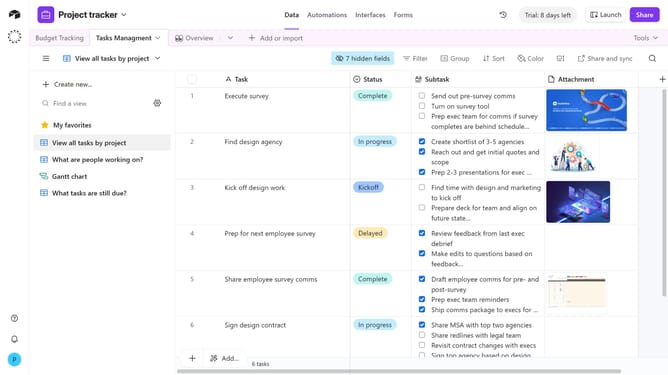
- First navigate to a base and open the table where the view is located
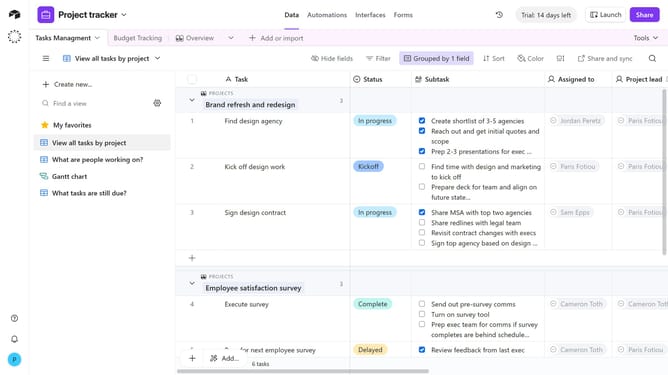
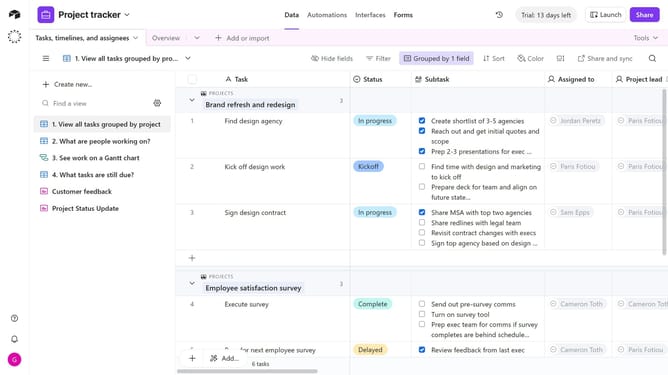
- Open the view sidebar and select the view that contains the groups you want to reorder
- Next click on "Group" button in the toolbar
- In the grouping options panel, locate the group you want to move and click the six-dot handle next to it
- Then drag the group up or down to change its order
- Finally the new group order will be applied instantly. Repeat for any other groups as needed
Why should you reorder groups in a view in Airtable
Airtable is a dynamic platform designed to elevate your productivity by marrying the simplicity of spreadsheets with the power of a database.
Reordering groups in a view within Airtable lets you prioritize what matters most, ensuring your team focuses on top priorities effortlessly.
This feature empowers you to tailor the layout to your workflow, making data interpretation intuitive and facilitating quicker decision-making.
By customizing the order of groups, you streamline processes and boost efficiency, transforming how you manage information seamlessly.
Last update