How to allow multiple submissions in a form in Airtable
Here is how to allow multiple submissions in a form in airtable
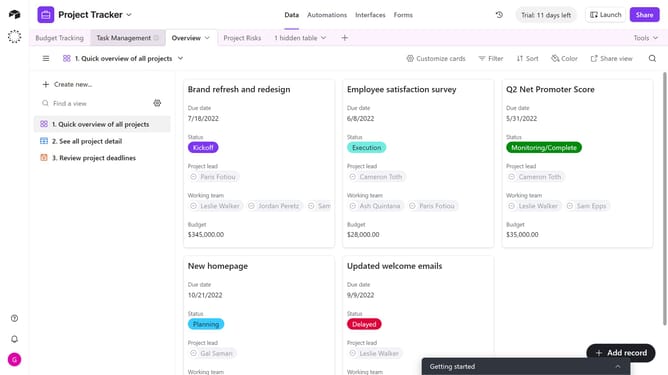
- First navigate to the base that contains your form and open the "Forms" tab
- Select the form you want to edit in the forms list
- Next, click on the edge of the form’s canvas to open the Properties panel on the right
- Locate the "Show a 'Submit another response' button" option in the right sidebar
- Then turn the toggle on to let users submit the form more than once
- The form will now accept multiple submissions from the same user
- Finally click on the "Publish" button in the top-right corner to save your changes
Why should you allow multiple submissions in a form in Airtable
Airtable is a versatile platform designed to organize workflows with the simplicity of a spreadsheet and the power of a database.
Allowing multiple submissions in an Airtable form is a crucial feature for gathering continuous input effortlessly.
This capability empowers teams to collect ongoing feedback, streamline data collection, and efficiently manage dynamic projects.
It enhances productivity by simplifying the process for users who need to submit multiple entries without restriction.
Last update