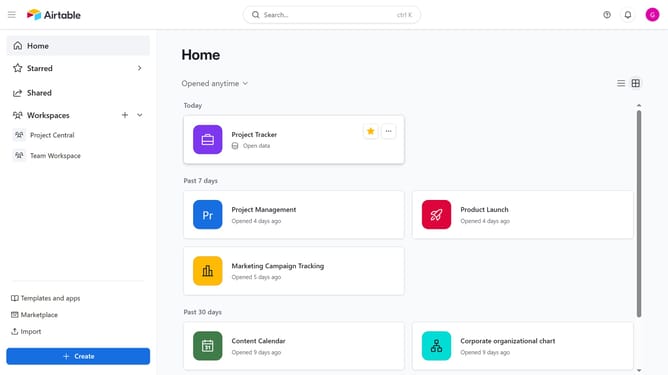
How to set the date height to compact in a calendar view in Airtable
Here is how to set the date height to compact in a calendar view in airtable
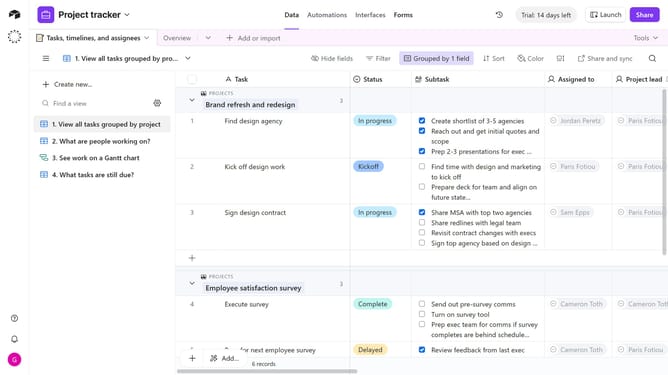
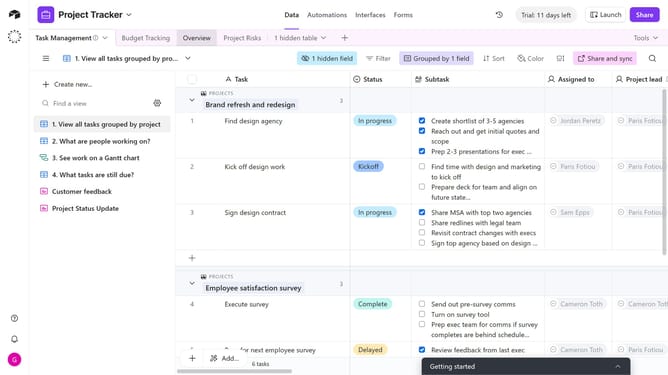
- First, navigate to the base and open the table containing the calendar view
- In the view sidebar, select the calendar view you want to adjust
- Next click on the Calendar date height button in the top toolbar
- Finally select Compact from the dropdown menu
- The calendar view will now display in compact date height mode
Why should you set the date height to compact in a calendar view in Airtable
Airtable is a versatile platform designed to streamline project management and data organization.
Setting the date height to compact in a calendar view helps users maximize screen space, allowing for a cleaner and more concise visual experience.
This feature enables easier navigation through busy schedules by fitting more information vertically, thereby enhancing productivity without compromising clarity.
Leveraging this compact view format can be especially advantageous for teams juggling multiple projects, ensuring all deadlines remain in clear view.
Last update