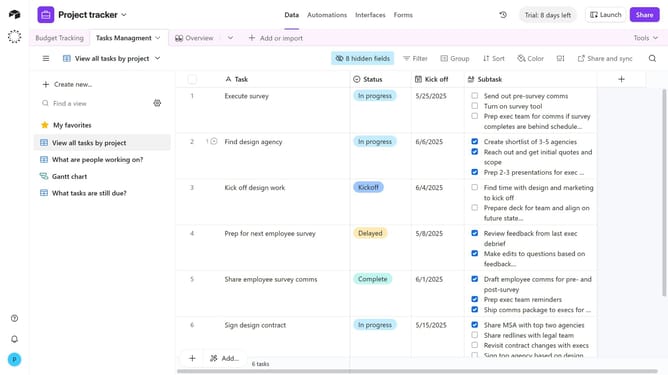
How to create a formula field to display record IDs in Airtable
Here is how to create a formula field to display record ids in airtable
- First click on a base from the Airtable home screen
- Next open the table where you want to display record IDs
- In the table header, click the "+" button to add a new field
- Then select “Formula” in the field type menu
- Next a name for the field in the field name input
- Next enter RECORD_ID() in the formula editor
- Finally click the "Create field" button to apply the formula
- Each record in the table will now display its unique record ID in the new formula field
Why should you create a formula field to display record IDs in Airtable
Airtable is a versatile platform designed to boost organization and productivity with its database-like functionality.
Creating a formula field to display record IDs in Airtable empowers users with immediate visibility into unique identifiers for each record. This feature offers simplicity in ensuring data integrity and optimized tracking.
By unlocking record IDs, teams can streamline processes, enhance collaboration, and maintain a clear overview of their datasets. This fosters improved data management and decision-making.
Last update