How to rename a base in Airtable
Here is how to rename a base in airtable
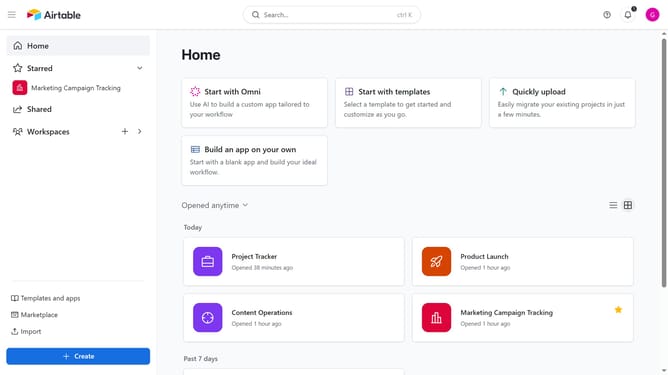
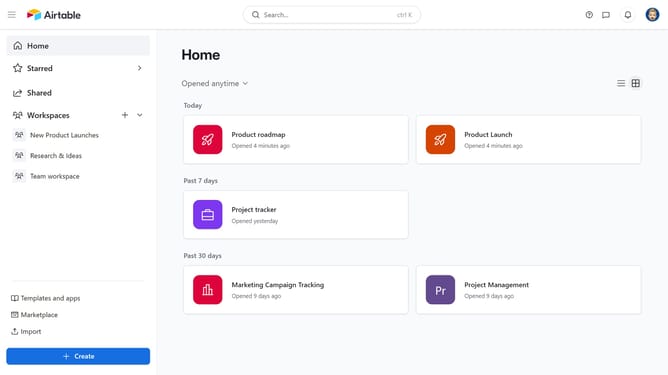
- First navigate to your Airtable home screen
- Next locate the base you want to rename
- Hover over the base name and click on the menu icon (three dots)
- Then select the "Rename" option from the dropdown menu
- Finally type the new name for your base and press "Enter" to apply the new name
Why should you rename a base in Airtable
Airtable is a versatile tool designed for organizing and collaborating on projects with dynamic data management capabilities.
Renaming a base in Airtable is an intuitive feature that ensures your project names are always relevant and descriptive, enhancing clarity for your team.
This feature is beneficial when project scopes evolve. By updating a base name, you ensure that your database accurately reflects its purpose, promoting better organization and efficient searching.
Keeping base names up-to-date facilitates easier navigation and maintains a professional appearance in shared workflows.
Last update