How to duplicate a table in Airtable
Here is how to duplicate a table in airtable
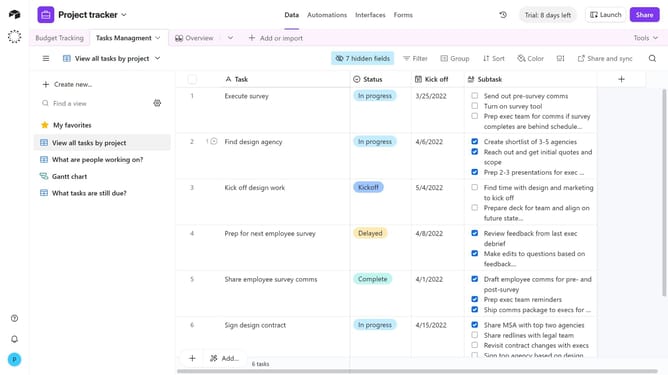
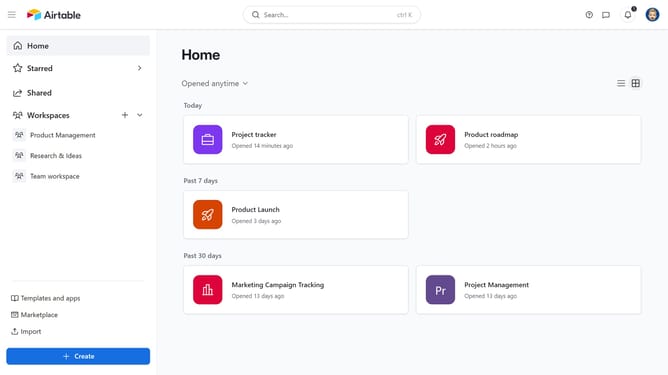
- First, open the base that contains the table you want to duplicate
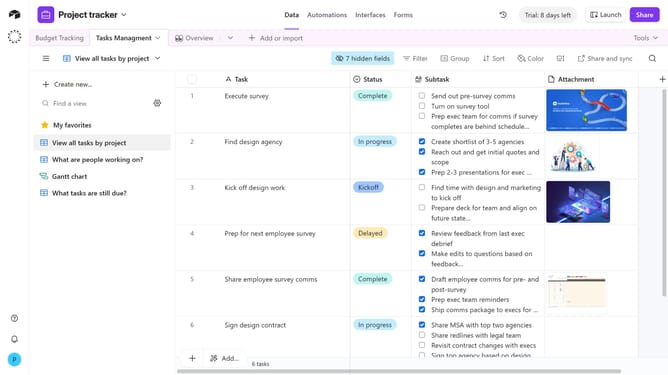
- Next, click on the table you want to duplicate in the top navigation bar
- Right-click the table tab or click the dropdown arrow next to it
- Then select the "Duplicate table" option from the dropdown menu
- In the pop-up window, choose whether to include records
- Finally click "Duplicate table" button to complete the duplication process
Why should you duplicate a table in Airtable
Airtable is a versatile platform that blends the power of a database with the flexibility of a spreadsheet.
Duplicating a table in Airtable is a convenient feature that allows users to replicate entire data structures seamlessly. This feature is beneficial for creating backups, experimenting with changes without affecting the original, or launching new projects with proven templates.
By duplicating tables, users can save time, maintain consistency, and ensure data integrity, all while enhancing efficiency in managing various workflows.
Last update