How to take a snapshot in Airtable
Here is how to take a snapshot in airtable
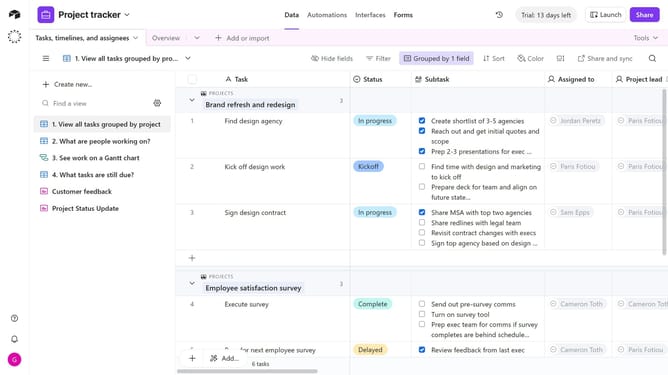
- First open the base you want to snapshot
- Next click on the "Base history" icon in the top toolbar
- Click on the "Snapshots" option in the dropdown menu
- Then click on "Take snapshot" button in the submenu
- Finally click on the "Okay" button in the confirmation dialog
Why should you take a snapshot in Airtable
Airtable is an innovative platform that seamlessly blends the functionality of a database with the agility of a spreadsheet.
Taking a snapshot in Airtable preserves your crucial data at a specific point in time, creating a backup that's easily retrievable.
This feature is invaluable for tracking project changes and reverting to previous versions without hassle.
Overall, snapshots in Airtable enhance productivity by safeguarding your progress and ensuring data integrity.
Last update