How to delete a calendar view in Airtable
Here is how to delete a calendar view in airtable
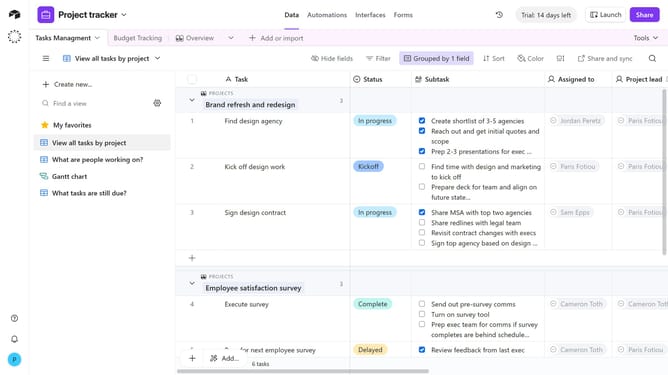
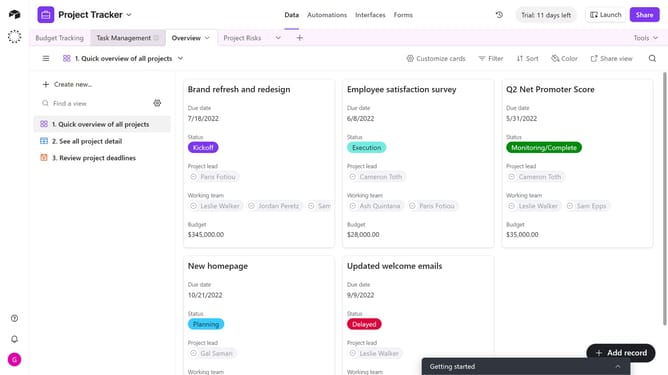
- First, navigate to the base and open the table containing the calendar view
- Next locate the calendar view you want to delete in the sidebar
- Then click on the more options (three dots) button next to it
- Finally select "Delete view" option from the dropdown menu
Why should you delete a calendar view in Airtable
Airtable is a dynamic platform that seamlessly combines the versatility of a spreadsheet with the functionality of a database.
Deleting a calendar view in Airtable is straightforward and allows for streamlined customization of your workspace. By removing unnecessary calendar views, you can focus on the data that truly matters to you and your team.
This feature is particularly beneficial for maintaining a clean and organized dashboard, enhancing productivity by reducing clutter and highlighting only relevant schedules.
Overall, managing your views efficiently enriches your ability to visualize projects more effectively.
Last update