How to regenerate a disabled public interface page link in Airtable
Here is how to regenerate a disabled public interface page link in airtable
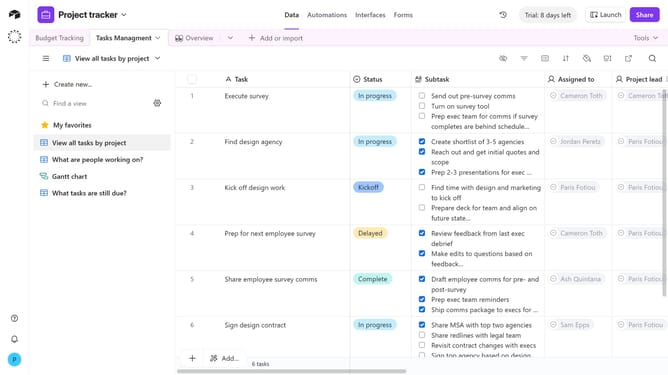
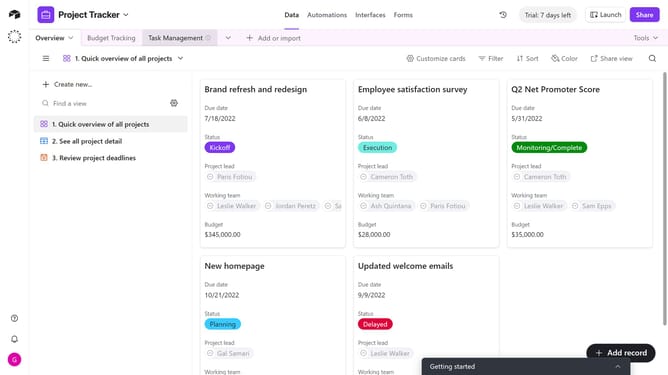
- First navigate to the base where the interface page is configured
- Next click on the "Interfaces" tab in the top navigation menu
- Click on the "Share interface" button in the top right corner
- Click on the "Share to web" tab in the share dialog
- Then click on "Manage link settings" in the share dialog
- Finally click on "Generate new link" button at the bottom of the settings panel
- The old disabled link will no longer work, and the newly generated one will replace it
Why should you regenerate a disabled public interface page link in Airtable
Airtable is a versatile platform designed to streamline project management and data organization.
In cases where a public interface page link becomes disabled, Airtable provides a straightforward method to regenerate these links. This feature enhances accessibility and ensures uninterrupted collaboration by swiftly restoring access to shared interfaces.
The ability to regenerate links prevents potential workflow disruptions, offering seamless continuity, and maintaining productivity across teams.
Overall, this mechanism underscores Airtable's commitment to efficient, user-centric experiences in dynamic work environments.
Last update