How to add a new extension to a base in Airtable
Here is how to add a new extension to a base in airtable
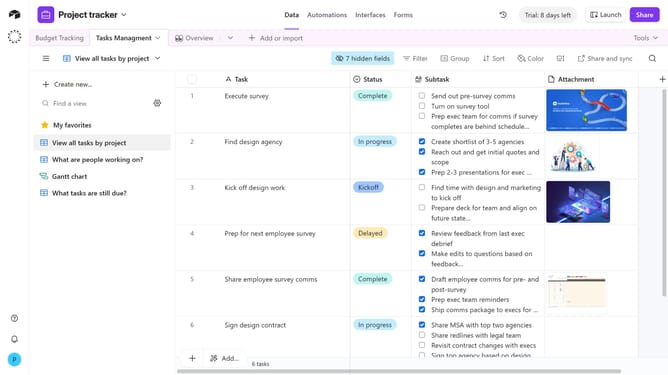
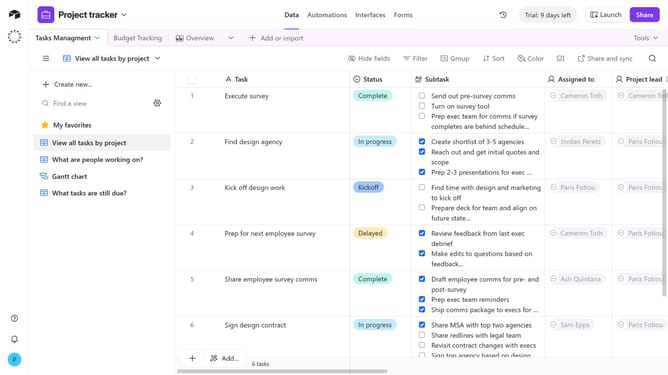
- First, open the base where you want to add the extension
- Next click on "Tools" button in the top toolbar of the base
- Click on "Extensions" option in the dropdown menu
- Then click "Add an extension" button in the extensions panel
- In the marketplace modal, browse or search for the extension you want to add
- Next click the "Add" button next to the extension you want to add to the base
- Click the "Add extension" button in the Chart extension details page
- Then, you can configure the extension as needed
- You have now successfully added an extension to your base
Why should you add a new extension to a base in Airtable
Airtable is an innovative platform that combines the best aspects of spreadsheets and databases to manage data with ease.
Adding a new extension to a base in Airtable allows users to enhance their workspace functionality effortlessly. Extensions empower users to integrate additional tools and features, making data management more robust and tailored to specific needs.
This enhanced functionality can streamline workflows and optimize productivity. By incorporating extensions, you can customize your data environment, making it more efficient and aligned with your objectives.
Last update