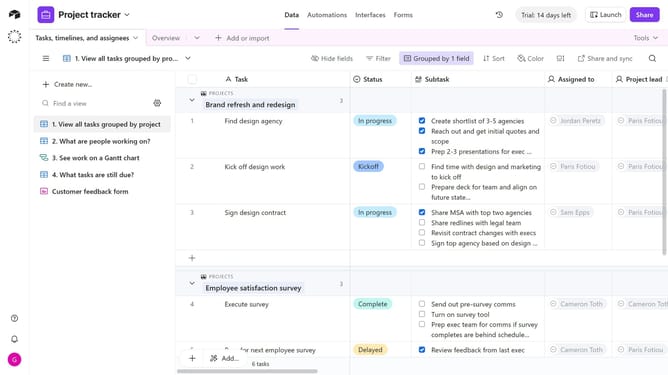
How to rename a form field in Airtable
Here is how to rename a form field in airtable
- First navigate to the base that contains your form and open the "Forms" tab
- In the forms list, select the form you want to edit
- In the form editor, locate and click the field you want to rename
- Next click the field name
- Then type the new name
- Alternatively, type the new name in the Title field in the right sidebar
- Once finished, click the "Publish" button in the top-right corner to save the changes
Why should you rename a form field in Airtable
Airtable seamlessly blends the structure of a database with the flexibility of a spreadsheet, empowering users to organize anything.
Renaming a form field in Airtable enhances clarity and precision in data management. This feature allows you to maintain consistency across your records, ensuring that all collaborators view and enter information accurately.
By updating field names to reflect their content or purpose more accurately, you streamline collaboration and improve understanding within your team. Such intuitive labeling fosters effective communication and elevates team productivity.
Last update