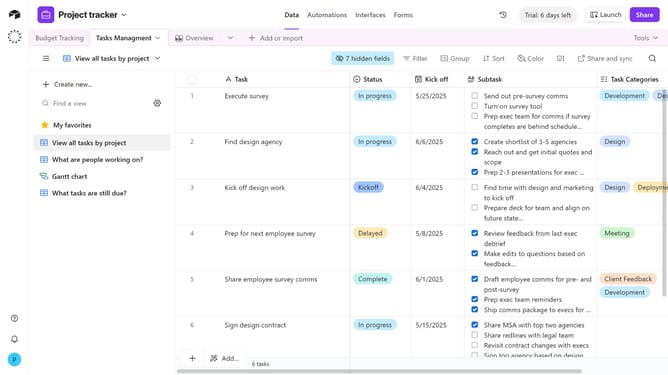
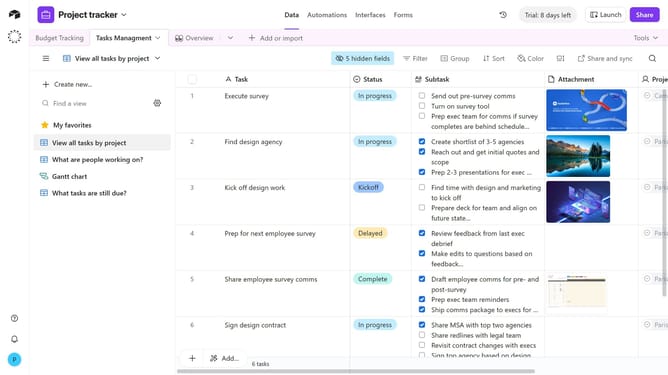
How to show all fields in a grid view in Airtable
Here is how to show all fields in a grid view in airtable
- First navigate to a base and open the table where the Grid view is located
- Next open the view sidebar and select the Grid view you want to update
- Then click on "hide fields" button in the top toolbar
- Finally , click on the “Show all” button at the bottom of the popup that appears
- All fields will now be toggled on and will appear as columns in the Grid view
Why should you show all fields in a grid view in Airtable
Airtable is a versatile platform that combines the simplicity of a spreadsheet with the power of a database to organize anything.
One of its notable features is the ability to display all fields in a grid view, offering users a comprehensive overview of their data.
This feature is particularly beneficial for those who value visibility, as it allows for a quick assessment of all information at a glance, enhancing clarity and decision-making.
Overall, this functionality streamlines workflow and boosts efficiency in managing complex data sets.
Last update