How to remove the password from a shared view link in Airtable
Here is how to remove the password from a shared view link in airtable
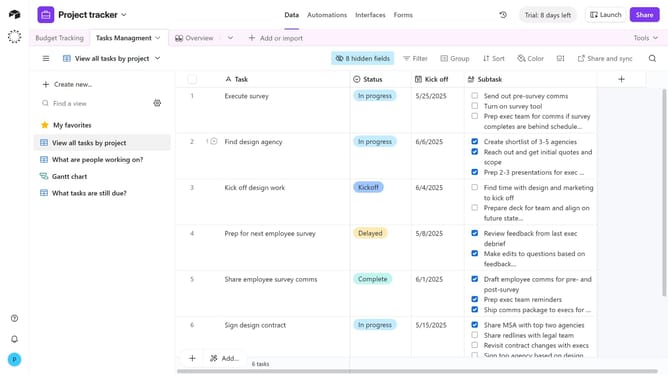
- First, navigate to the base and open the table containing the shared view
- Open the view sidebar and select the shared view you want to update
- Next click on "Share and sync" button in the top toolbar
- Click on "Link settings" option from the dropdown menu
- Then toggle off the "Access is password-protected" option
- Finally click on "Remove password" button in the confirmation dialog
- Now, the shared view link no longer requires a password and can be accessed by anyone with the link
Why should you remove the password from a shared view link in Airtable
Airtable is an innovative platform that blends the power of a database with the simplicity of a spreadsheet, tailored for collaborative project organization.
Removing the password from a shared view link in Airtable streamlines access, enhancing the ease with which collaborators can view data without barriers. It simplifies collaboration by eliminating the need for stakeholders to manage additional login details.
This feature promotes efficient teamwork, ensuring quick access to information and fostering a more integrated approach to project management. By easing accessibility, team members can focus on their tasks, enhancing productivity and workflow coherence.
Last update