How to rename a table in Airtable
Here is how to rename a table in airtable
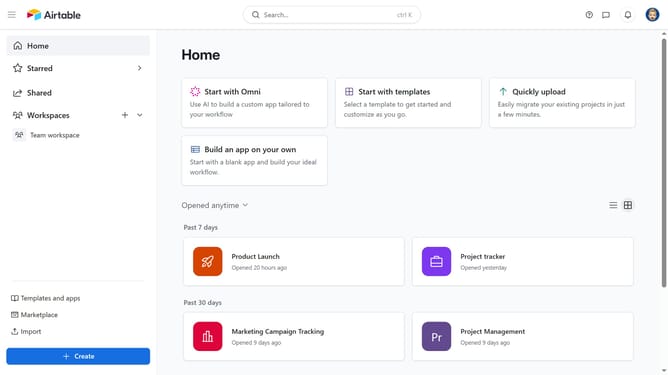
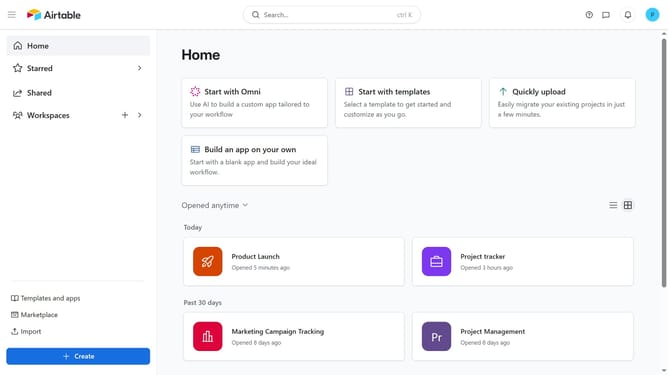
- First, open the base from the home dashboard
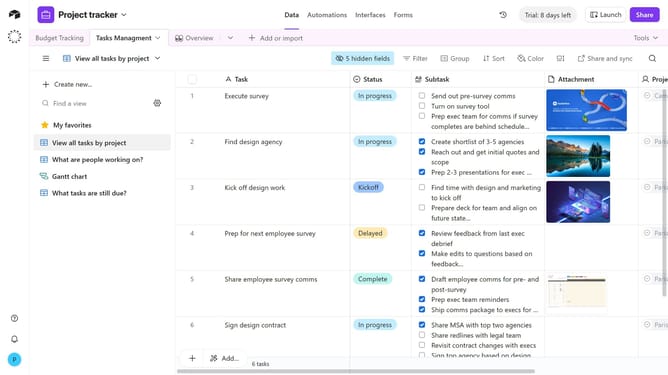
- Next, click on the table you want to rename
- Right-click the table tab or click the dropdown arrow next to it
- Then click on "Rename table" option in the dropdown menu
- Enter the new name for your table in the rename field
- Finally click on "Save" button to confirm the table new name
Why should you rename a table in Airtable
Airtable is a versatile platform designed to simplify and organize data management efficiently.
Renaming a table in Airtable is a straightforward process that enhances usability and clarity. By renaming tables, users can quickly align their workspace with project changes or evolving data needs, ensuring everyone remains on the same page.
This feature allows for improved collaboration and understanding, as clearer table names can help team members easily navigate and access the information they need, boosting overall productivity.
Last update