How to change the title of a form group in Airtable
Here is how to change the title of a form group in airtable
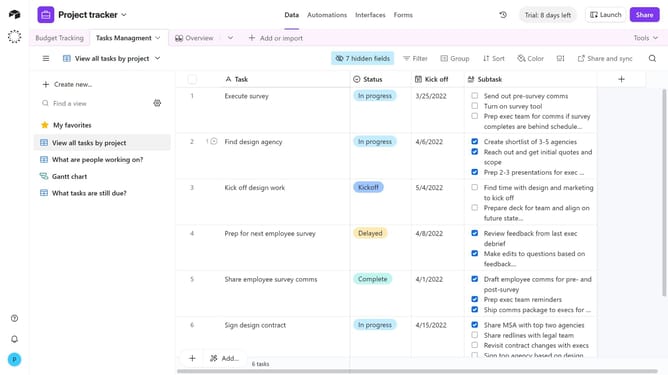
- First navigate to the base that contains your form and click on the "Forms" tab
- In the forms list, select the form that contains the group you want to rename
- Next on the form canvas, click the form group whose title you want to change
- Then type the new name for your form group
- Finally click anywhere outside the text box to save the change automatically
- Click "Publish" in the top-right corner to make the changes live, if desired
Why should you change the title of a form group in Airtable
Airtable is a versatile platform that combines the power of a database with the simplicity of a spreadsheet.
Changing the title of a form group in Airtable enhances customization. It allows users to organize data according to specific needs, improving clarity and efficiency.
This flexibility is particularly beneficial for teams, enabling clearer communication and collaboration by accurately reflecting the data's purpose.
Overall, this feature boosts productivity by ensuring that everyone is aligned with the project's organizational structure.
Last update