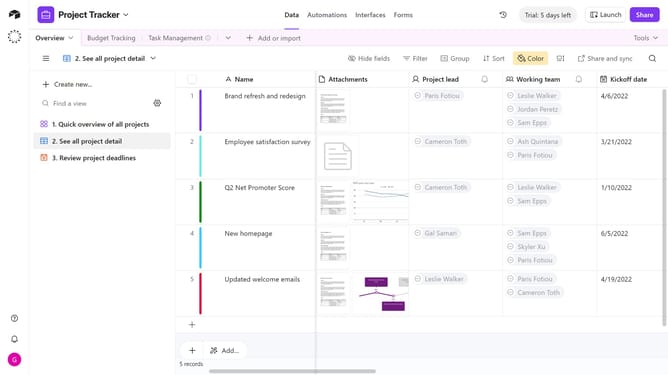
How to add a created by field in Airtable
Here is how to add a created by field in airtable
- First navigate your preferred base and the table where you want to add the created by field
- Next click on the "+" icon in the top right corner of your table columns
- Then search for and select "Created time" in the field type dropdown menu
- Enter a name for your field in the "Created By" field name input box
- Finally click the "Create field" button to confirm
Why should you add a created by field in Airtable
Airtable is a versatile platform that reimagines spreadsheets as agile databases for team collaboration.
Adding a "Created By" field in Airtable enhances project management by automatically documenting the creator of each record. This feature simplifies accountability, ensuring that team members and stakeholders can easily identify the originator of any input.
Utilizing the "Created By" field elevates transparency, aiding in seamless collaboration and organization among team participants. This promotes better workflow management and tracking efficiencies across varied projects and initiatives.
Last update