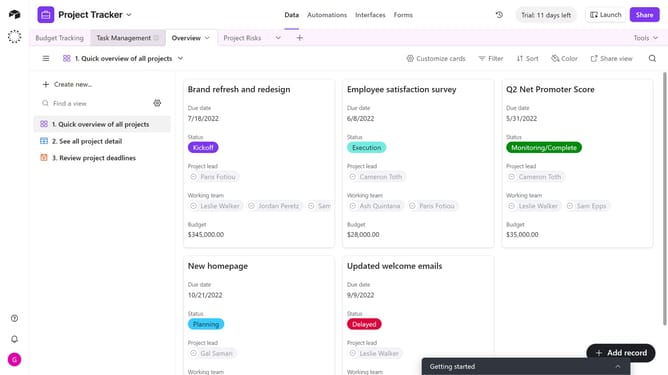
How to change the date height in a calendar view in Airtable
Here is how to change the date height in a calendar view in airtable
- First, navigate to the base and open the table containing the calendar view
- In the view sidebar, select the calendar view you want to adjust
- Next click on the Calendar date height button in the top toolbar
- Finally choose either Compact or Expanded from the dropdown menu
- The calendar view will update instantly to reflect your selected date height
Why should you change the date height in a calendar view in Airtable
Airtable is a versatile platform that combines the power of spreadsheets with the flexibility of databases.
One standout feature is adjusting the date height in calendar view. This customization allows users to better organize and visualize their data according to personal or project-specific needs. By optimizing the space that each date occupies, you can easily spot trends, deadlines, and appointments without having to scroll or squint.
The ability to change date height enhances user experience by making information more accessible at a glance. It creates a more efficient workflow, reducing time spent searching through cluttered or cramped calendar entries.
Last update