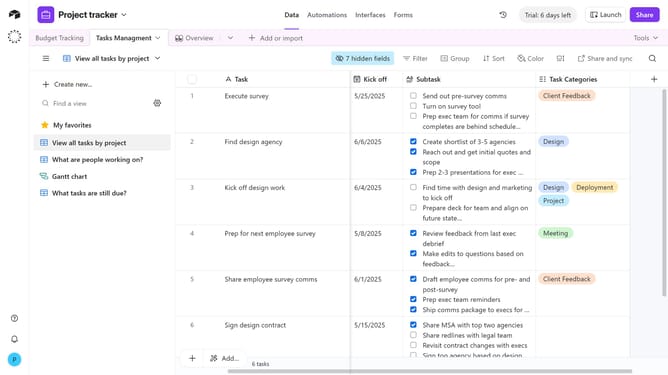
How to sort records in a view in Airtable
Here is how to sort records in a view in airtable
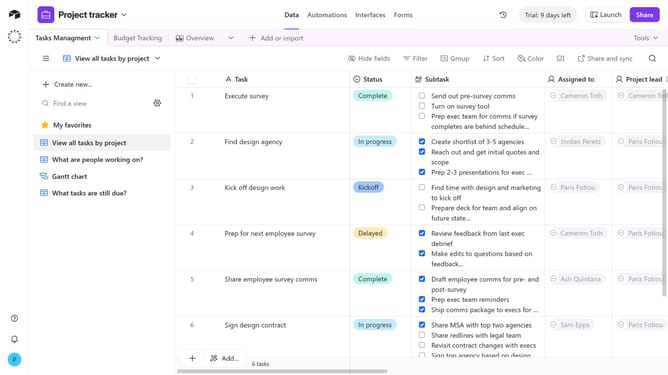
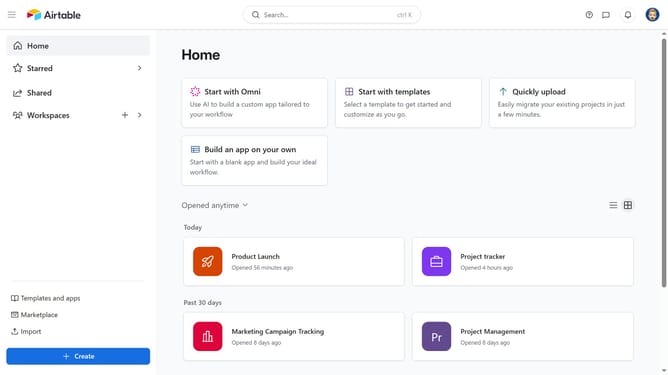
- First, navigate to a base and open the table where the view is located
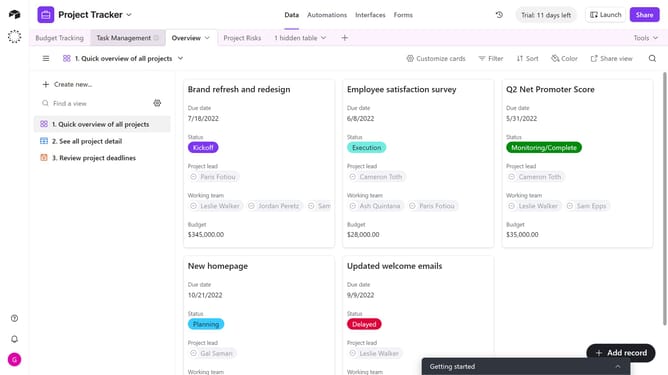
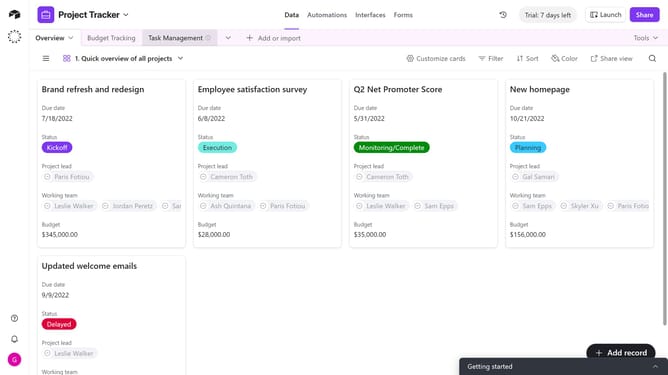
- In the view sidebar, select the view where you want to sort records
- Next click on the "Sort" button in the top toolbar
- Then choose the field you want to sort by from the dropdown menu
- Click on the sort direction button
- Finally choose the order of the sort
Why should you sort records in a view in Airtable
Airtable is a versatile platform designed to simplify database management with its visually appealing and user-friendly interface.
The ability to sort records in a view in Airtable is an essential feature that allows you to organize your data seamlessly.
Sorting enhances your ability to focus on what's important by arranging records based on specific criteria. This not only improves data accessibility but also optimizes workflow efficiency by ensuring relevant information is readily available when needed.
In essence, sorting transforms cluttered data into actionable insights, streamlining your productivity.
Last update