How to duplicate a field in Airtable
Here is how to duplicate a field in airtable
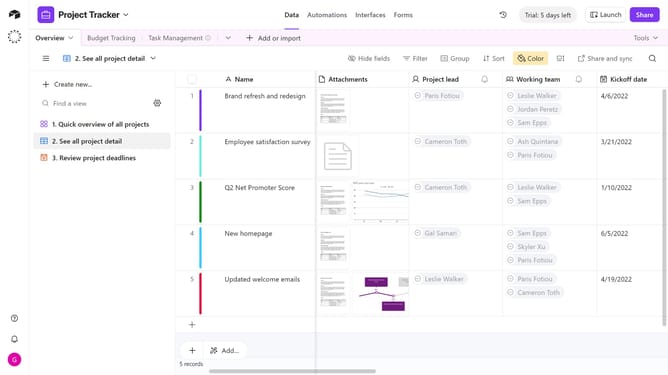
- First navigate to your base and open the table containing the field you want to duplicate
- Locate and hover over the field name at the top of the column
- Next click the dropdown arrow next to the field name
- Then click on "Duplicate field" option in the dropdown menu
- Enable the “Duplicate cells” toggle switch if you want to copy the field’s existing data along with its configuration
- Finally click the "Duplicate field" button to confirm the action
- A new field will appear next to the original column
Why should you duplicate a field in Airtable
Airtable seamlessly blends the power of a database with the familiarity of a spreadsheet, enabling versatile data management.
Duplicating a field in Airtable is a feature that brings efficiency and consistency to any workflow. When you duplicate a field, you not only save time but also maintain uniformity across similar projects or tables.
This capability is beneficial for users who manage multiple projects or require repetitive structures in their databases. It aids in maintaining organized data and streamlines the setup process, enhancing productivity and focus on essential tasks.
Last update