How to favorite a base in Airtable
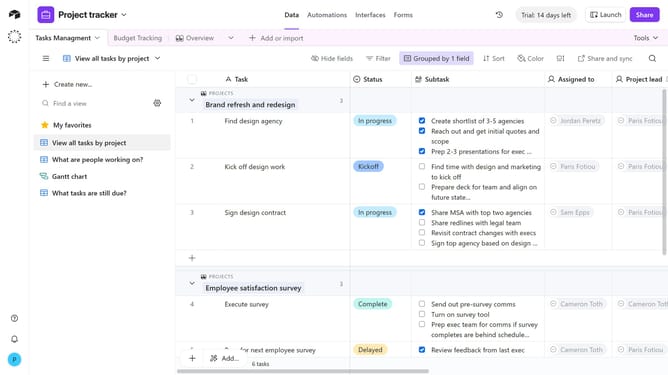
Here is how to favorite a base in airtable
- First navigate to your Airtable home screen
- Next locate the base you want to favorite
- Then hover over the base and a star icon will appear in the top-right corner
- Finally click the star icon to mark the base as a favorite
Why should you favorite a base in Airtable
Airtable is a versatile platform designed to streamline your project management and collaboration needs effectively.
The "favorite" feature in Airtable allows users to efficiently mark and access their most crucial bases with ease.
Favoriting a base not only ensures rapid access to your top projects but also helps maintain your workflow organized by prioritizing what's most important.
By instantly highlighting key bases, this feature enhances productivity, allowing users to focus on tasks that matter most without any distraction.
Last update