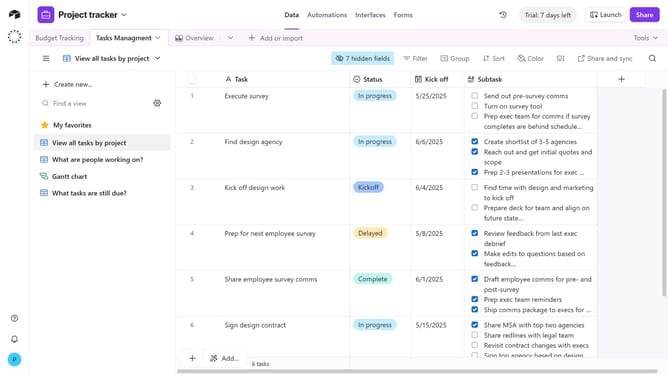
How to create an autonumber field in Airtable
Here is how to create an autonumber field in airtable
- First, navigate to your preferred base and open the table where you want to add the field
- Next, click the “+” button in the top-right corner of the table columns
- Then, select “Autonumber” option from the field type dropdown menu
- Enter a name for your field in the field name input box
- Finally click the "Create field" button to create the new field
Why should you create an autonumber field in Airtable
Airtable is an intuitive platform that combines the simplicity of a spreadsheet with the power of a database.
Creating an autonumber field in Airtable is a feature that automatically generates a unique numeric identifier for each record in your table.
This feature is vital for maintaining order, ensuring no duplicate record numbers, and directly supports efficient data management.
With autonumber fields, tracking progress and keeping a chronological order of entries becomes seamless, enhancing operational efficiency within your databases.
Last update