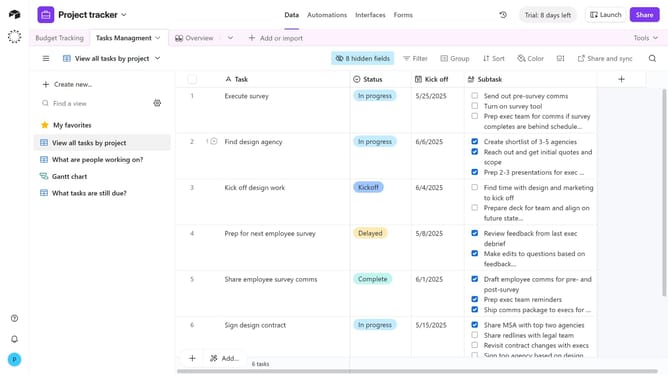
How to create a count field in Airtable
Here is how to create a count field in airtable
- First, navigate to your preferred base and open the table where you want to add a count field
- Next, click the “+” button in the top-right corner of the table columns
- Then, select “Count” from the field type dropdown menu
- Enter a name for your field in the field name input box
- Click on the "Select count source" and select a table from the dropdown menu
- Optionally check "Only include linked records from the Overview table that meet certain conditions" to filter which records are counted
- Finally click on the "Create field" button to create the new field
Why should you create a count field in Airtable
Airtable is a versatile and user-friendly platform that combines the simplicity of a spreadsheet with the robustness of a database.
Creating a count field in Airtable allows users to quickly tally records meeting certain criteria within a table. This feature is an efficient way to track progress, manage inventory, or monitor tasks without the need for complex formulas.
By using count fields, users can enhance data visualization and make informed decisions, saving valuable time and improving overall productivity.
Last update