How to locate a base ID in Airtable
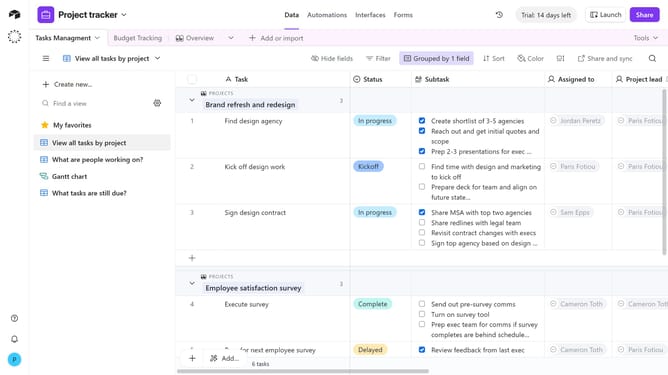
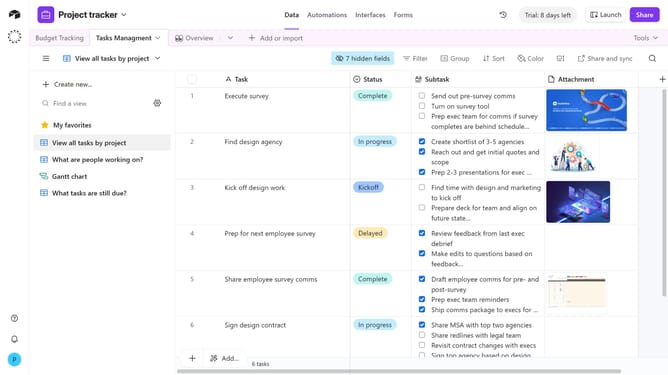
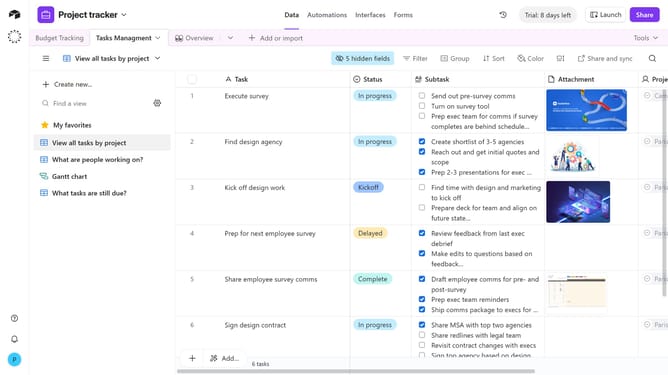
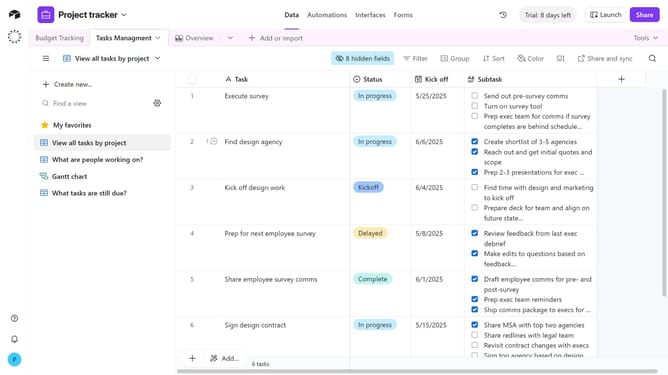
Here is how to locate a base id in airtable
- First click on a base from the Airtable home screen
- Then look at the URL in your browser’s address bar. The base ID is the section that begins with “app”
Why should you locate a base ID in Airtable
Airtable is an intuitive platform that transforms spreadsheets into a collaborative database tailored to your needs.
Discovering the base ID in Airtable is simple, yet it provides a gateway to more advanced integrations.
This feature is indispensable for developers aiming to automate processes and establish seamless connections with other tools. By locating the base ID, users can leverage Airtable's API capabilities, thus enhancing productivity and customization possibilities.
Overall, the ability to find a base ID empowers users with more control and flexibility in their data management endeavors.
Last update