How to remove an attachment in Airtable
Here is how to remove an attachment in airtable
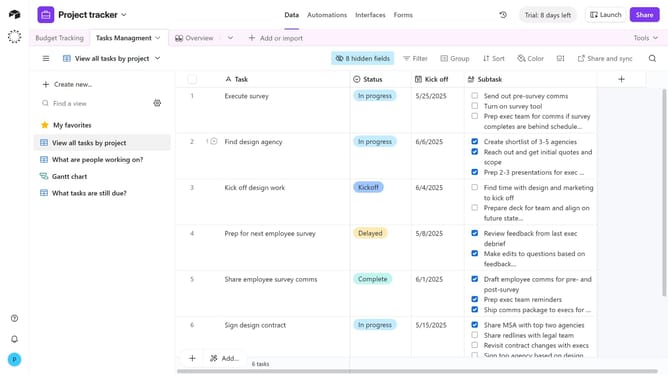
- First navigate your preferred base and open the table with an attachment field
- Locate the record with the attachment you want to remove
- Next click on the "Expand" button next to the record
- Then hover over the file name at the bottom of the record in the details modal
- Finally click on the "Remove attachment" button that appears
- The attachment will now be removed from the record
Why should you remove an attachment in Airtable
Airtable effortlessly blends the power of a database with the simplicity of a spreadsheet.
The ability to remove attachments in Airtable is a valuable feature that streamlines your workspace by keeping only the necessary files at hand.
By removing irrelevant or outdated attachments, you not only free up storage but also enhance collaboration among team members by minimizing clutter.
This feature aids in maintaining an organized and efficient workflow, allowing users to focus on what's truly important.
Last update