How to change your email address in Airtable
Here is how to change your email address in airtable
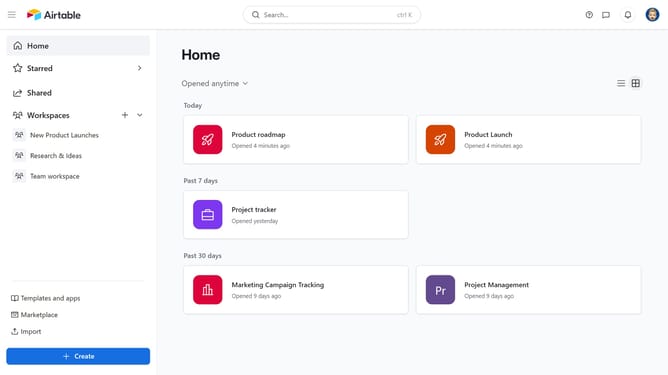
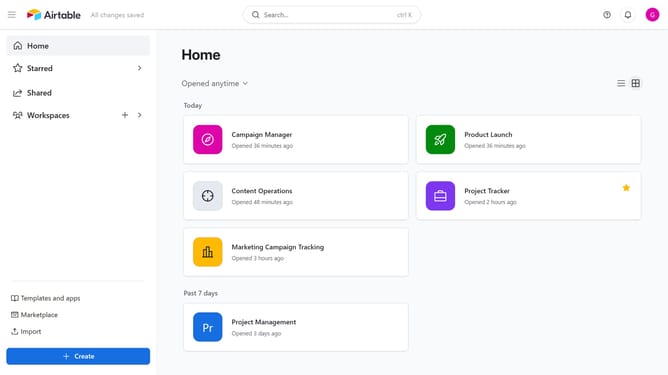
- First navigate to your home screen and click on the profile icon in the top-right corner of the header
- Next click on "Account" option in the dropdown menu
- Click on the "Overview" tab in the account settings sidebar
- Then click on the "Edit email" button next to the email address
- Enter your new email address in the "New email address" field
- Next enter your current password in the "Current password" field
- Finally click the "Save email" button to update your email address
- Your email address has been successfully updated in Airtable
Why should you change your email address in Airtable
Airtable is a versatile platform that elevates the way you organize and manage information effortlessly.
Changing your email address in Airtable is a straightforward feature that ensures you maintain seamless communication and access, especially when transitioning to a new email for professional or personal reasons.
This feature is crucial to keep your account details up-to-date, securing uninterrupted workflow and collaboration within your Airtable projects.
By easily updating your contact information, you safeguard your account and ensure connectivity remains intact, reflecting the dynamic nature of modern work environments.
Last update