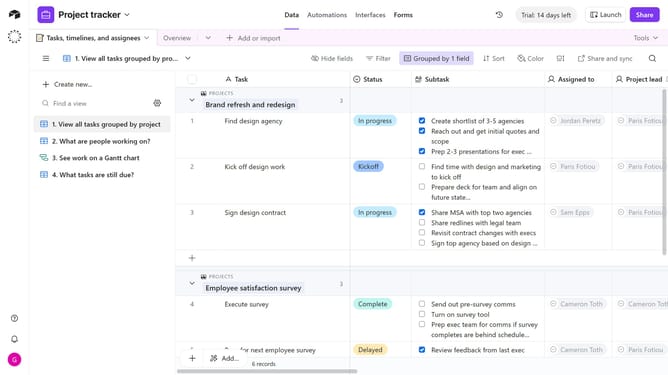
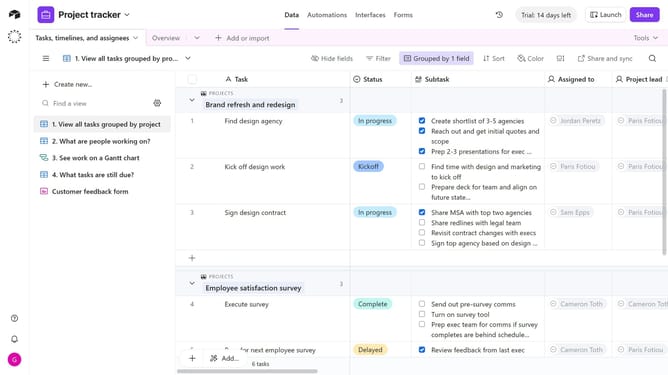
How to access the view sidebar in Airtable
Here is how to access the view sidebar in airtable
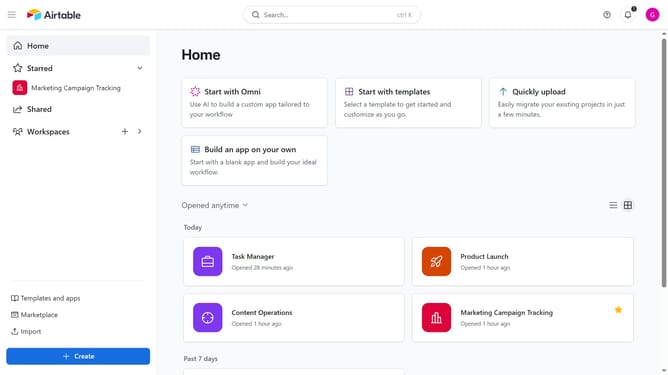
- First click on a base from the Airtable home screen
- Next open the table where you want to access views
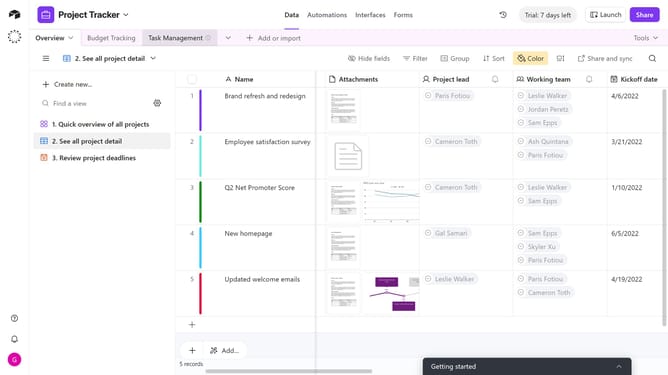
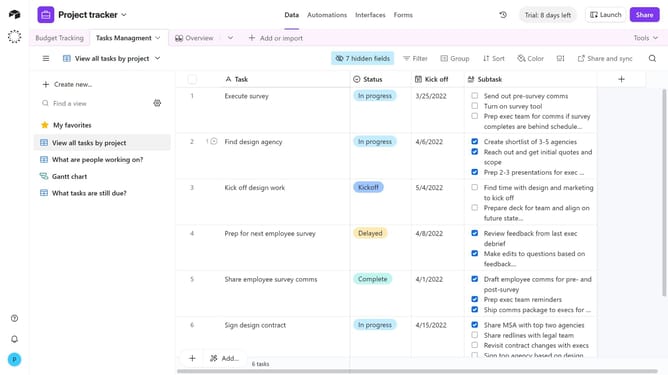
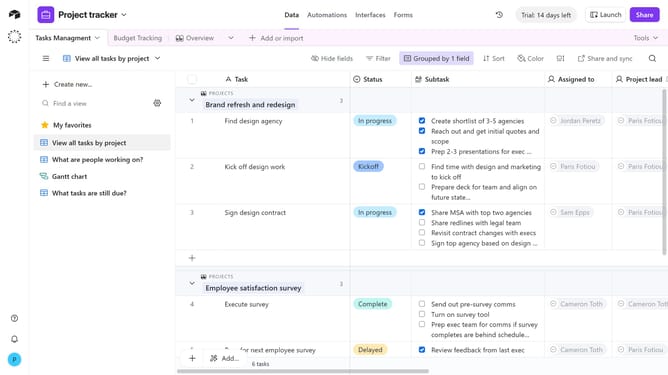
- Then mouse over the view icon to open it as a fly-out, or click the view icon to keep the sidebar pinned open
- Finally the view sidebar will expand, showing the list of available views for the table
Why should you access the view sidebar in Airtable
Airtable is a versatile platform that blends the power of a database with the usability of a spreadsheet.
Accessing the view sidebar in Airtable is intuitive and empowers users to navigate and manage their data efficiently. This feature allows you to effortlessly switch between different views, providing a streamlined approach to organizing workspaces.
Utilizing the view sidebar enhances productivity by enabling a quick overview of data from various perspectives. This capability ensures that users can seamlessly interact with and manipulate their Airtable bases to meet diverse project needs.
Last update