How to add a form description in Airtable
Here is how to add a form description in airtable
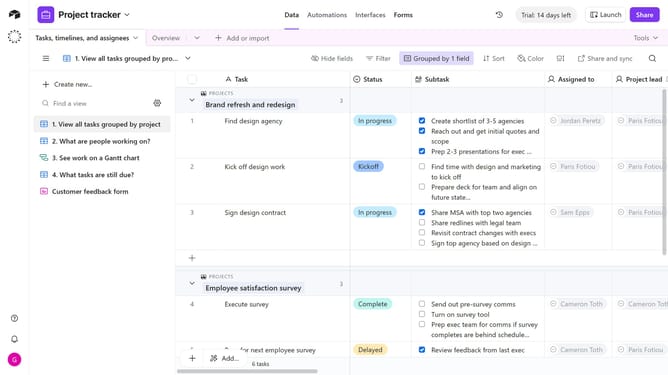
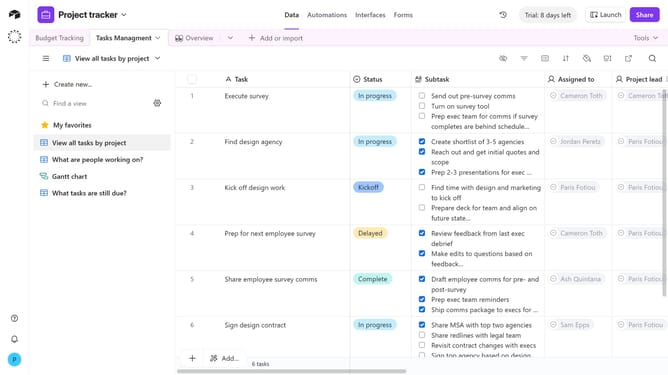
- First click the "Forms" tabat the top of an open base
- Next select the form you want to add a description in the forms list
- At the top of the form, below the form title, you’ll see a placeholder for adding a description
- Then click into the description box and type the text you want to display as your form’s description
- Use the formatting toolbar that appears to style your text with options like bold, italics, or lists
- You have successfully added your description, click the Publish button in the top-right corner to update the live form
Why should you add a form description in Airtable
Airtable is a versatile platform designed to streamline data organization and collaboration.
Adding a form description in Airtable enhances clarity by providing context for users, boosting understanding and engagement.
A well-crafted description guides users through the form, ensuring accurate data collection and reducing errors.
Utilizing this feature fosters smoother workflow, making team collaboration more efficient and effective.
Last update