How to add multiple groupings in a view in Airtable
Here is how to add multiple groupings in a view in airtable
- First, navigate to a base and open the table where the view is located
- Next, open the view sidebar and select the view where you want to group records
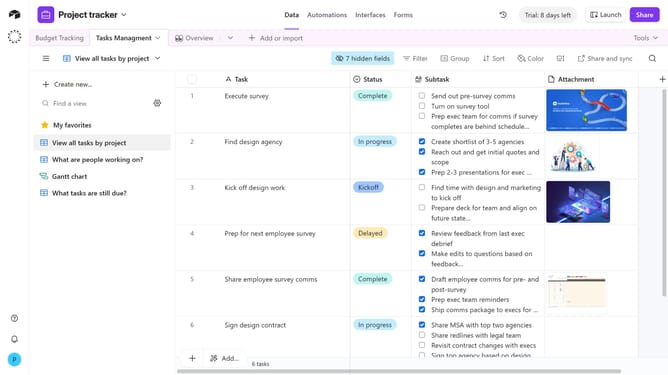
- Click the "Group" button in the toolbar
- Click on "See all fields" in the grouping dropdown menu
- Then select the first field you want to group by from the list of available fields
- Choose the sort direction for the first group
- To add another grouping, click "Add subgroup"
- Then select the second field you want to group by
- Repeat this process for additional groupings as needed
Why should you add multiple groupings in a view in Airtable
Airtable is a versatile platform that blends the simplicity of a spreadsheet with the power of a database to enhance project management and organization.
Adding multiple groupings in a view allows users to categorize and segment data in dynamic and insightful ways. This feature enhances data visualization, enabling users to easily identify trends and patterns across different dimensions.
Utilizing multiple groupings can significantly streamline workflows, making it easier for teams to access pertinent information and make informed decisions. This leads to improved collaboration and productivity.
Last update