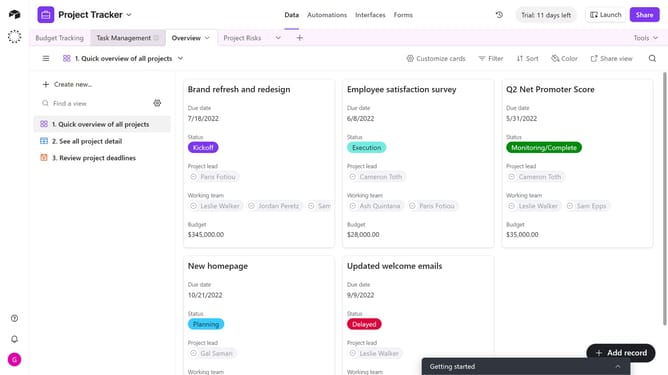
How to enable form printing in Airtable
Here is how to enable form printing in airtable
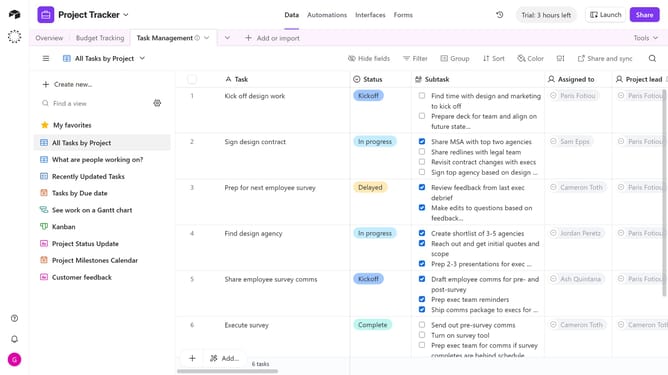
- First navigate to the base that contains your form and open the "Forms" tab
- Select the form you want to edit in the forms list
- Next, click on the edge of the form’s canvas to open the Properties panel on the right
- Locate the "Allow printing" option under the User actions
- Then toggle the switch on to let end users print the form
- Finally, click the "Publish" button in the top-right corner to make the changes live
Why should you enable form printing in Airtable
Airtable is a versatile organizational tool that combines the simplicity of a spreadsheet with the power of a database.
Enabling form printing in Airtable enhances your project documentation by allowing you to create hard copies of your data entries. This feature is particularly useful for meetings and presentations where digital devices may be impractical or unavailable.
The ability to print forms ensures that your data is easily accessible and shareable, providing a convenient way to review and distribute information promptly.
Last update