How to move a base to a different workspace in Airtable
Here is how to move a base to a different workspace in airtable
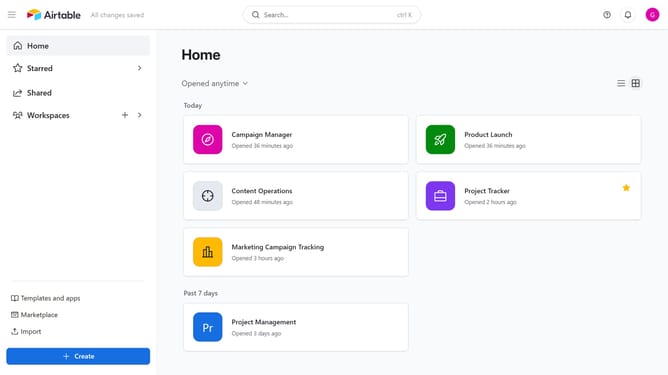
- First, navigate to your Airtable home screen
- Next locate the base you want to move
- Hover over the base name and click the “More options” menu (three dots) in the top-right corner
- Then select "Move" option from the dropdown menu
- In the dialog box that appears, click to open the workspace selection dropdown
- Next choose the destination workspace from the workspace options
- Finally click the "Move app" button in the confirmation dialog
Why should you move a base to a different workspace in Airtable
Airtable is an intuitive platform that combines the simplicity of a spreadsheet with the power of a database to organize anything.
One of its efficient features allows you to move a base to a different workspace seamlessly. This capability supports better project management by placing resources exactly where needed and enhancing team collaboration.
Transferring a base across workspaces optimizes resource allocation, ensuring that relevant data is accessible to the right stakeholders. It enables teams to streamline operations, facilitating a more organized and productive workflow.
Last update