How to add a form view in Airtable
Here is how to add a form view in airtable
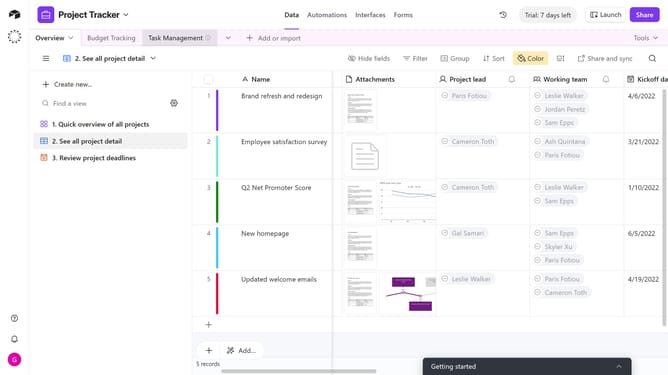
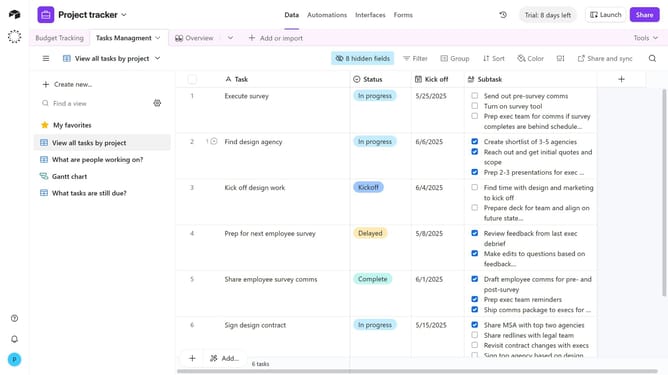
- First navigate to the table where you'll be collecting your new data
- Next open the view sidebar and click on the "Create new"
- Select "Form" option from the create new menu
- In the new form dialog, enter a name for your form view
- Next set the view as "Collaborative" or "Personal"
- Then click the "Create new view" button to create the form
- In the form editor, configure your form by adding a cover image, logo, description, fields and other elements as needed
- Next, you can configure what happens after a form is submitted by adjusting the options at the bottom of the form builder
- Once you're done building your form, click the "Share form" button in the top-right corner
- Finally copy the link to send to respondents or embed it on a website
Why should you add a form view in Airtable
Airtable is a versatile tool that combines the functionalities of a spreadsheet with a database, fostering seamless collaboration and data management.
Add a form view in Airtable to easily capture and organize information with precision and efficiency. By transforming a table into a form view, users streamline data input, making it accessible and intuitive.
This feature enhances workflow by collecting data through customizable fields, expanding capabilities for team collaboration and decision-making.
Utilize form views in Airtable to improve data entry processes, ensuring accuracy and promoting productivity in your projects.
Last update